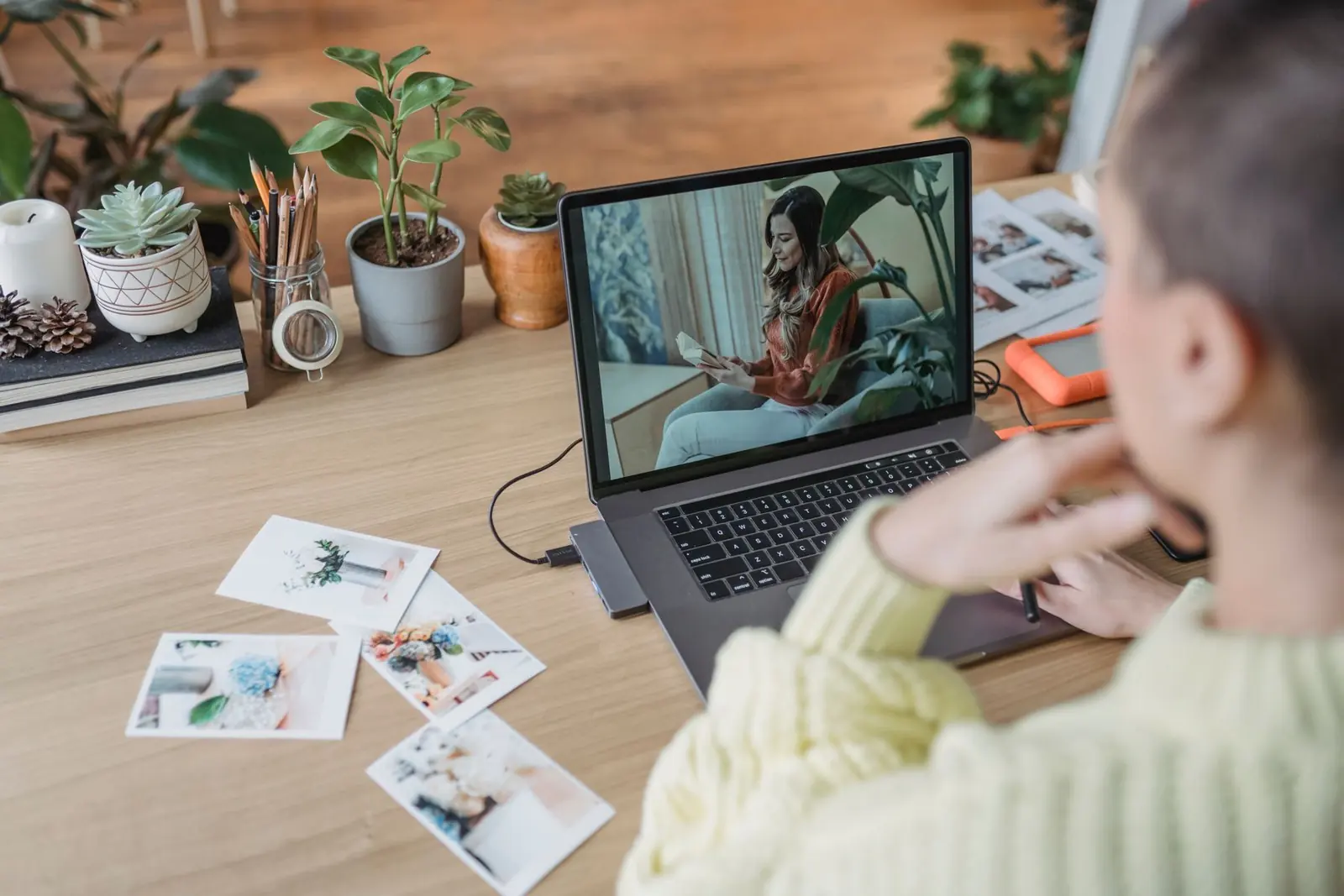
Digital download
Golden Hour presets
12 warm, glowing presets for sunsets, portraits and holidays. Includes phone and desktop versions and an install guide.
£18
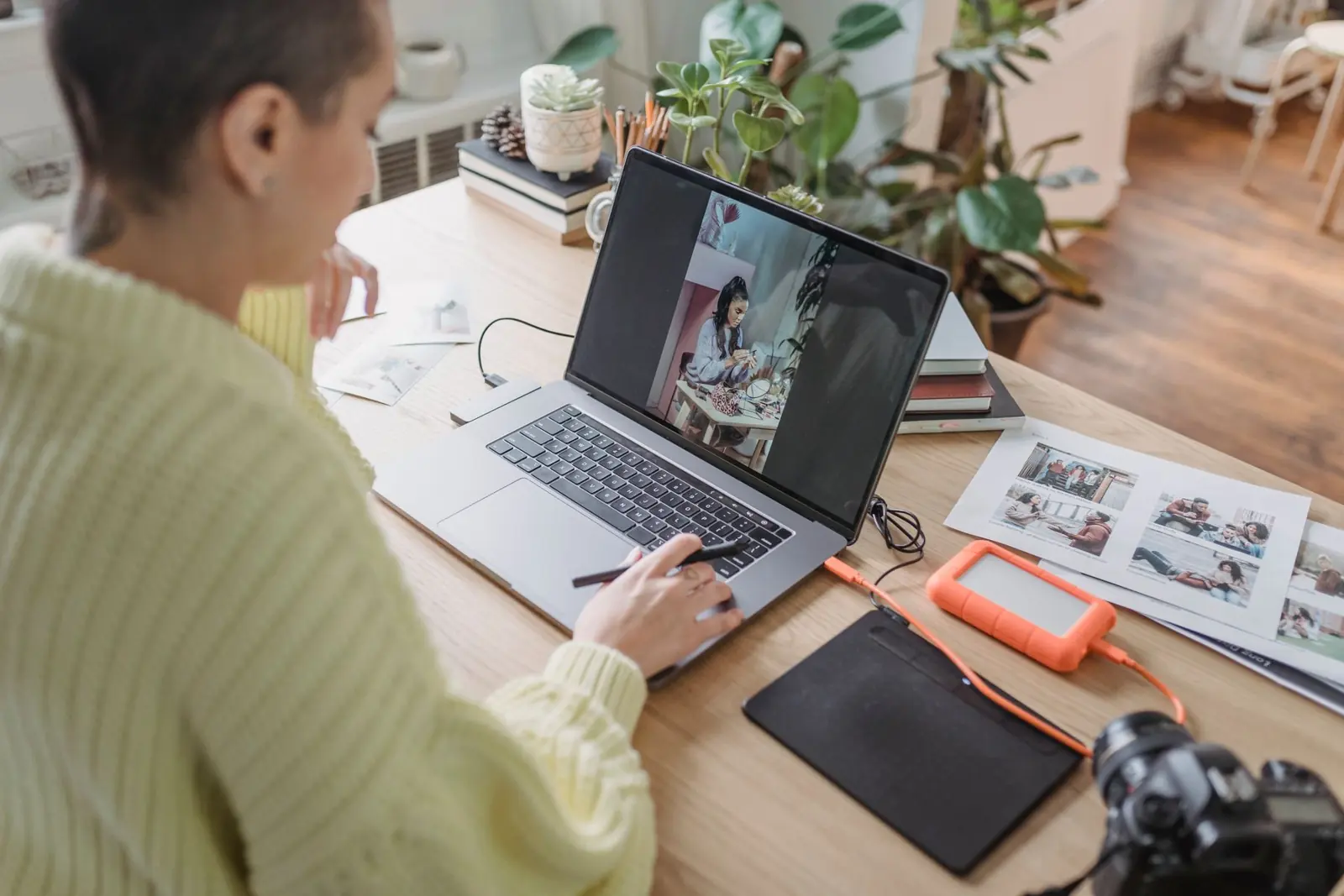
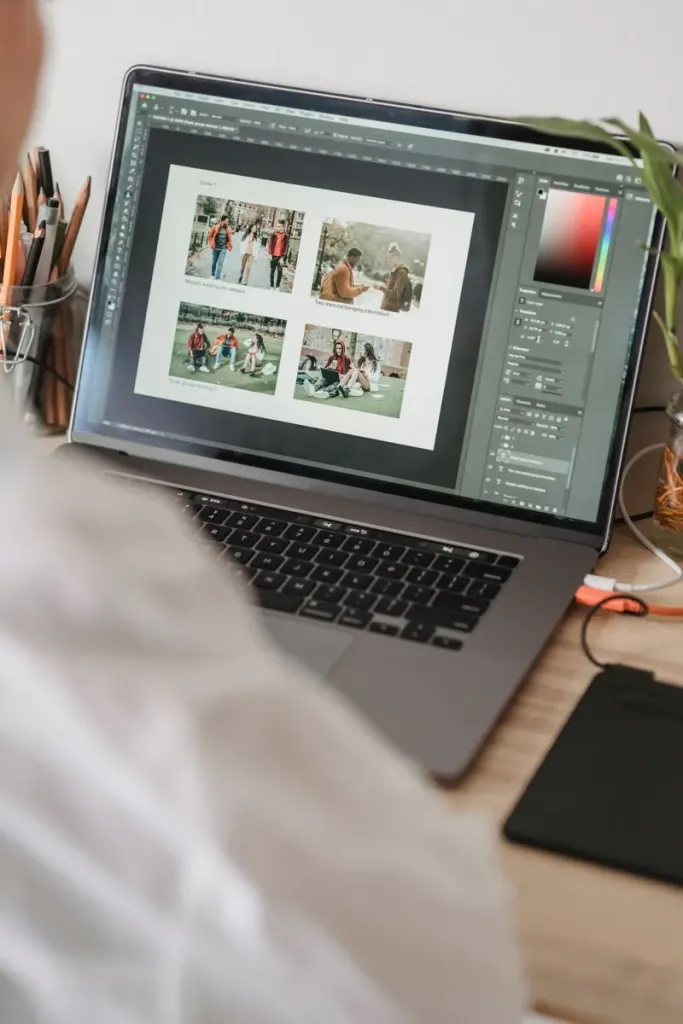
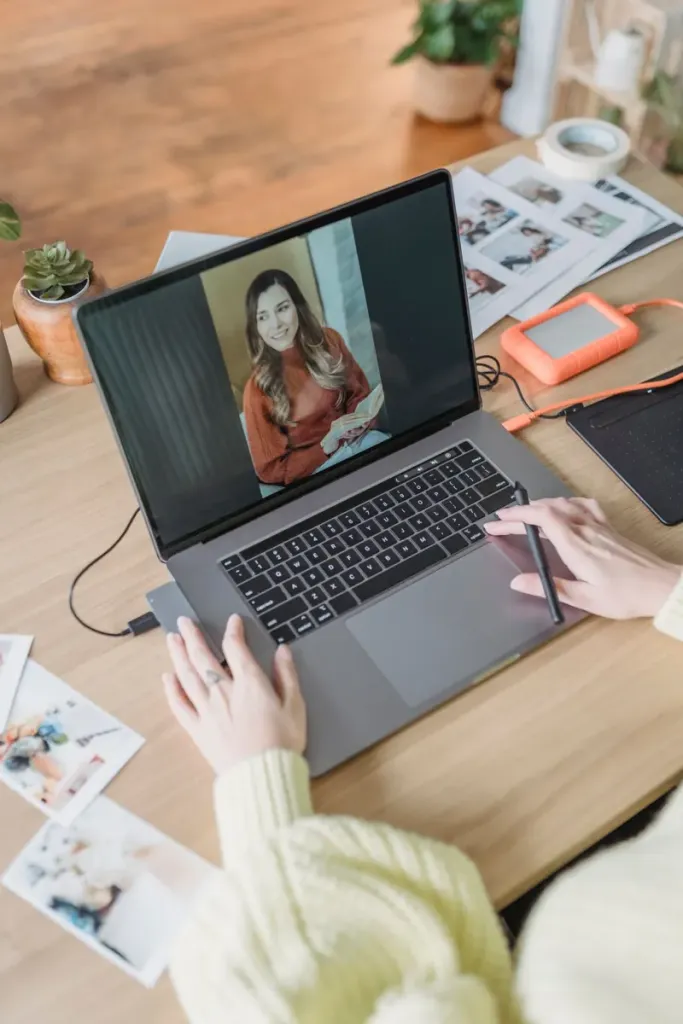
Photo presets & courses · by Maya Reyes
Warm, natural presets and a phone photography course from photographer Maya Reyes. Edit in one tap, then make it yours.
Shop presets01Shop
Instant download after checkout.
Digital download
12 warm, glowing presets for sunsets, portraits and holidays. Includes phone and desktop versions and an install guide.
£18
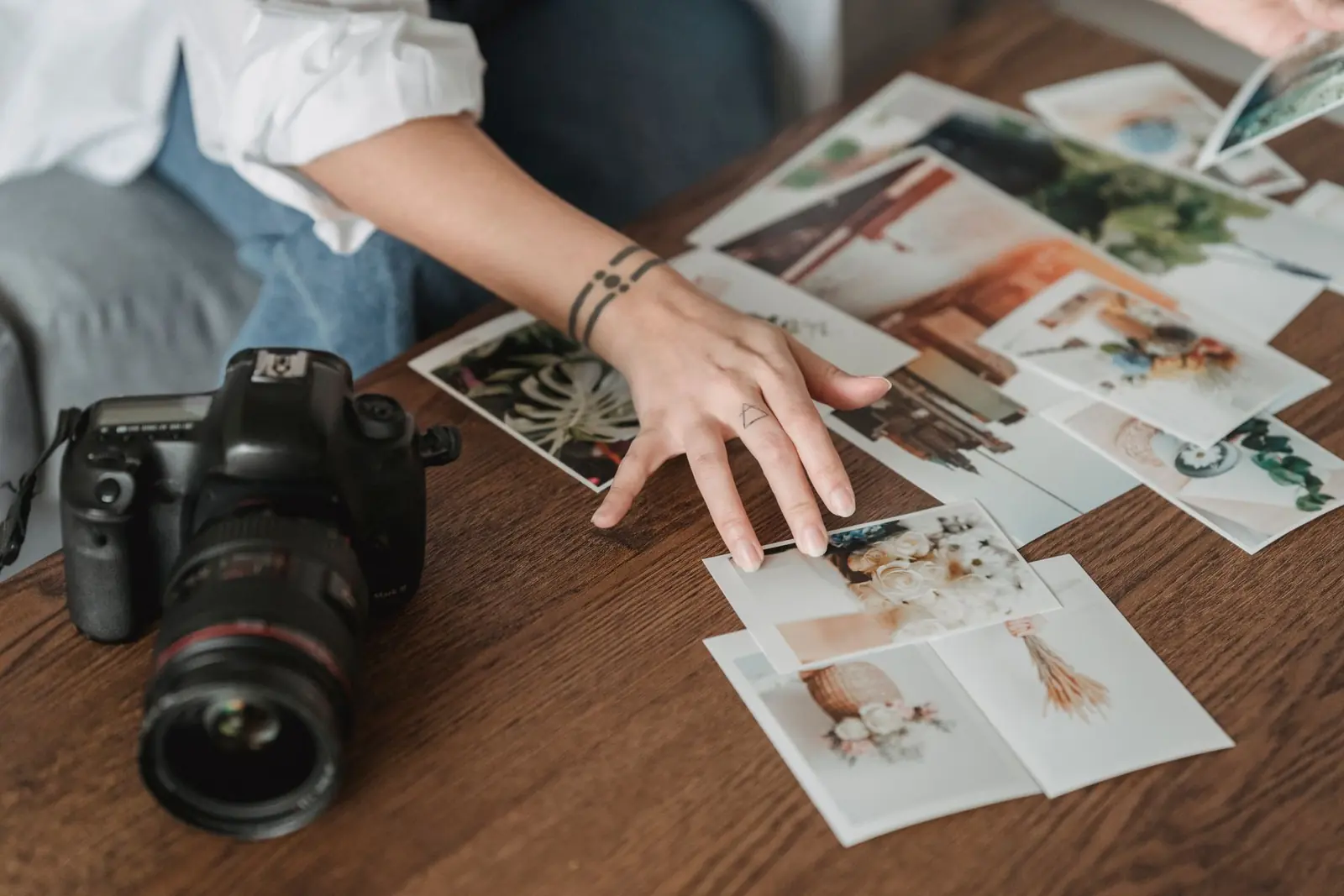
Digital download
10 soft film looks with gentle grain and true-to-life skin tones. Made for everyday photos that still feel special.
£18

Digital download
Every preset in the shop (32 in all), plus every new pack Maya releases this year.
£39
02Photos
One click to the look, then fine-tune any slider to suit your photo.
03Shop
Eight short lessons. Watch them whenever you like, for as long as you like.
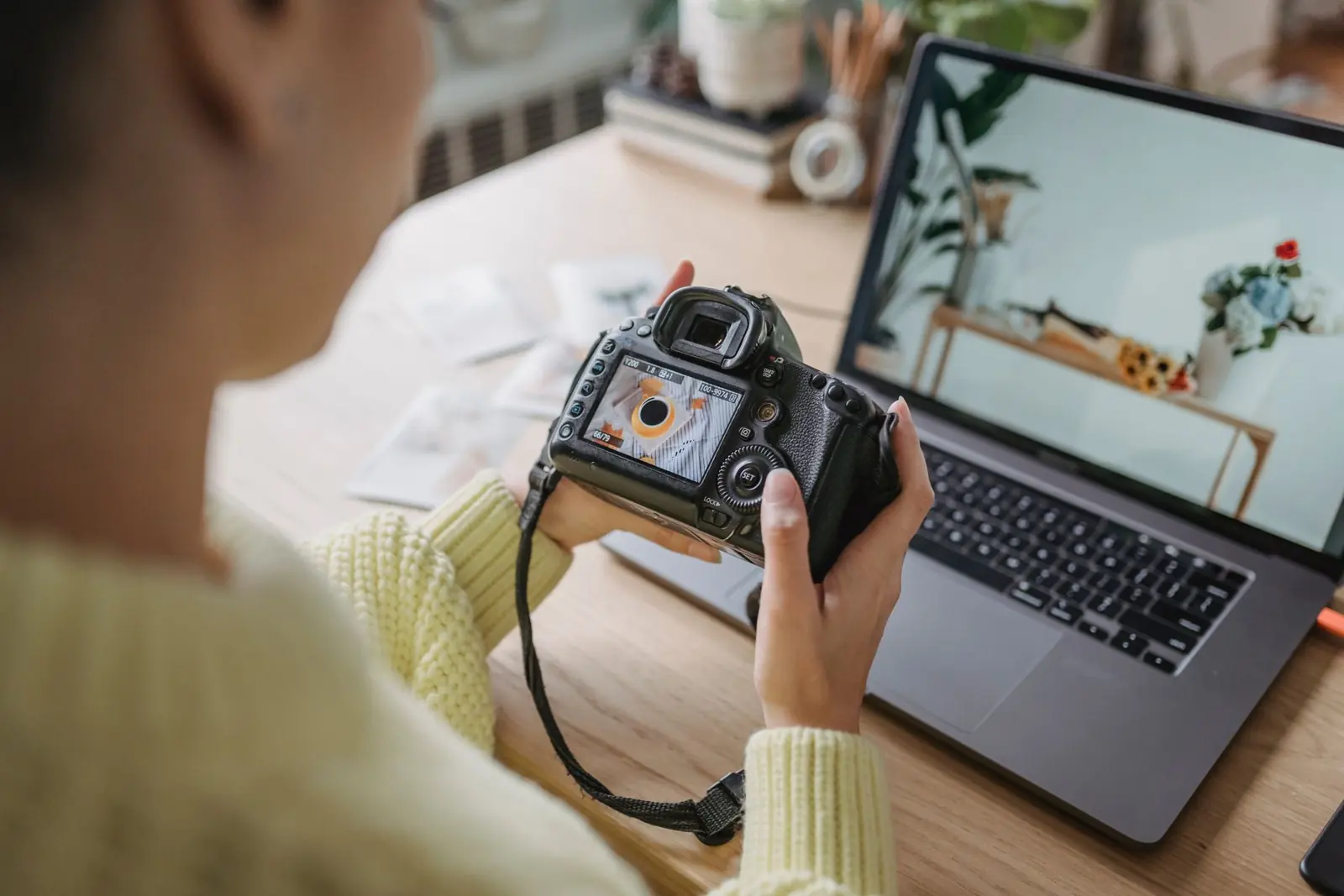
Course · 8 lessons
An online course that teaches you to take and edit beautiful photos on the phone you already own. Short videos you can watch at…
04Reviews
Example reviews on a demonstration website.
★★★★★
Golden Hour made my holiday photos look like a magazine. Installing took two minutes with the guide.
★★★★★
The course finally made me understand light. My Instagram looks like one person took it now.
★★★★★
I use Everyday Film for my small business photos. Skin tones stay natural, which is rare.
05About

I’m a portrait and lifestyle photographer. Soft Light started as the presets I made for my own clients’ galleries; now thousands of people use them on their everyday photos.
Everything here is tested on real photos taken on phones and cameras, in all kinds of light.
06Stay in touch
Three favourites from the shop, plus editing tips once a month.
07Questions
Any photo editor that opens preset files: DNG files for phones and XMP files for desktop. The install guide covers the popular apps step by step.
Straight after checkout, and by email. You can download it again from your account at any time.
For as long as you like. New lessons Maya adds are included.
Downloads can’t be returned once opened, so try the three free presets first.
This is a fictional business on Shovva. Try every step to see how it works: nothing is booked, charged or sent.
Phones, tablets and computers: DNG files open in free mobile photo editors and XMP files in desktop editing software. The course works with whatever phone you already own.
Yes. Sign up for three free presets from the shop and try them on your own photos. There are before and afters on Instagram too.
If you take photos on your phone or camera and want them to look warm and consistent, yes. Each preset is a one-tap start that you can tweak, and the course shows you how.
Download it again from your account, or message Maya with your order email. She’ll send a fresh link or help you install it, usually within a day.
Still have questions?Get in touch
08Contact
Questions about a pack or the course.
09Follow
Before and afters, and editing tips.