
Products & downloads
Your next sale starts here.
Give physical products and digital downloads a clear offer, a way to pay and a connected order to fulfil.

01 / THE OFFER YOUR CUSTOMER SEES
Put the product and price in front of people.
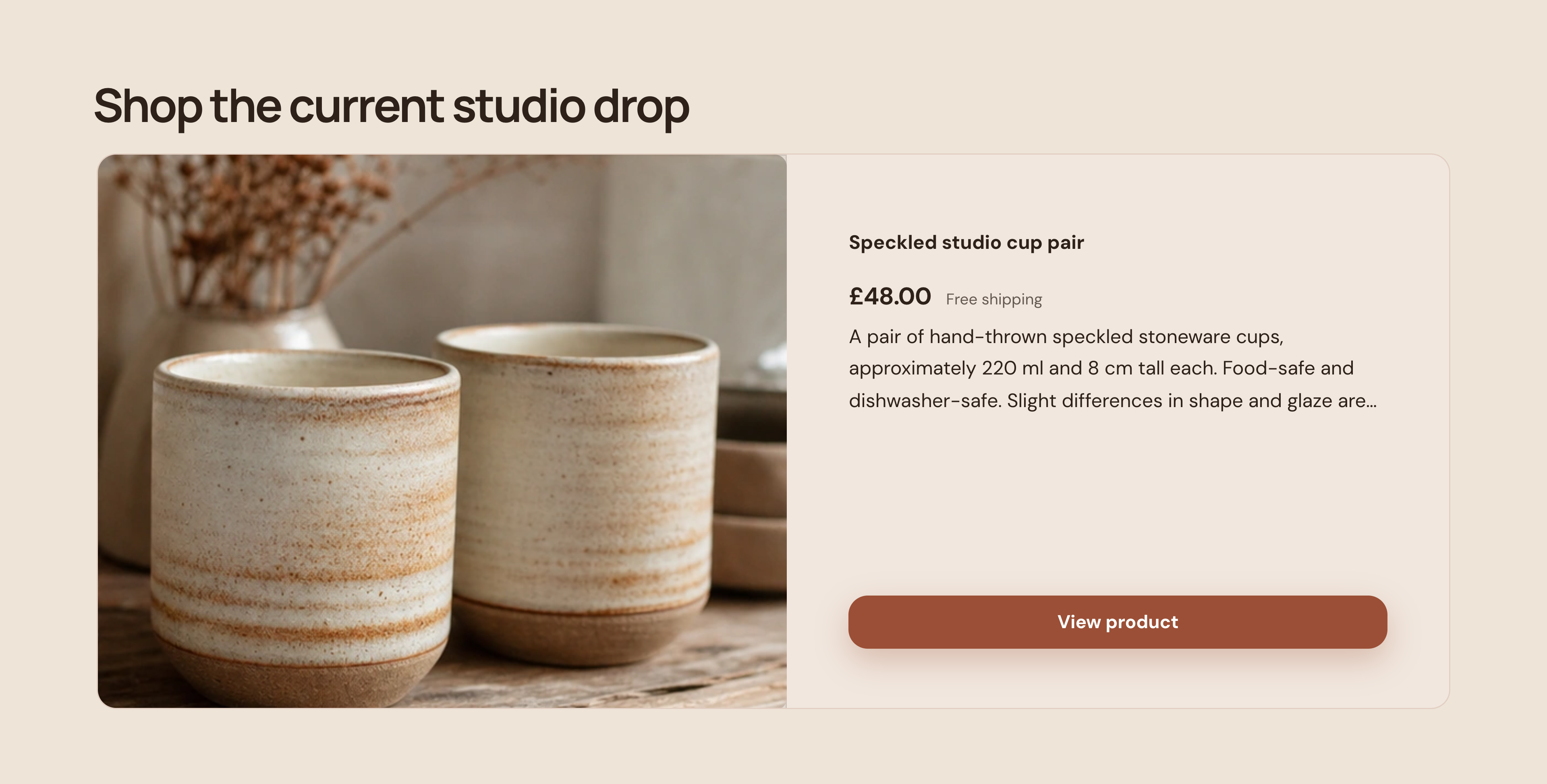
Show the item, its description, price and delivery detail together, with a clear action to view the product. This example is a £48 pair of handmade cups.
Kiln & Colour · Actual offer section · Demonstration business
Then see how you manage it ↓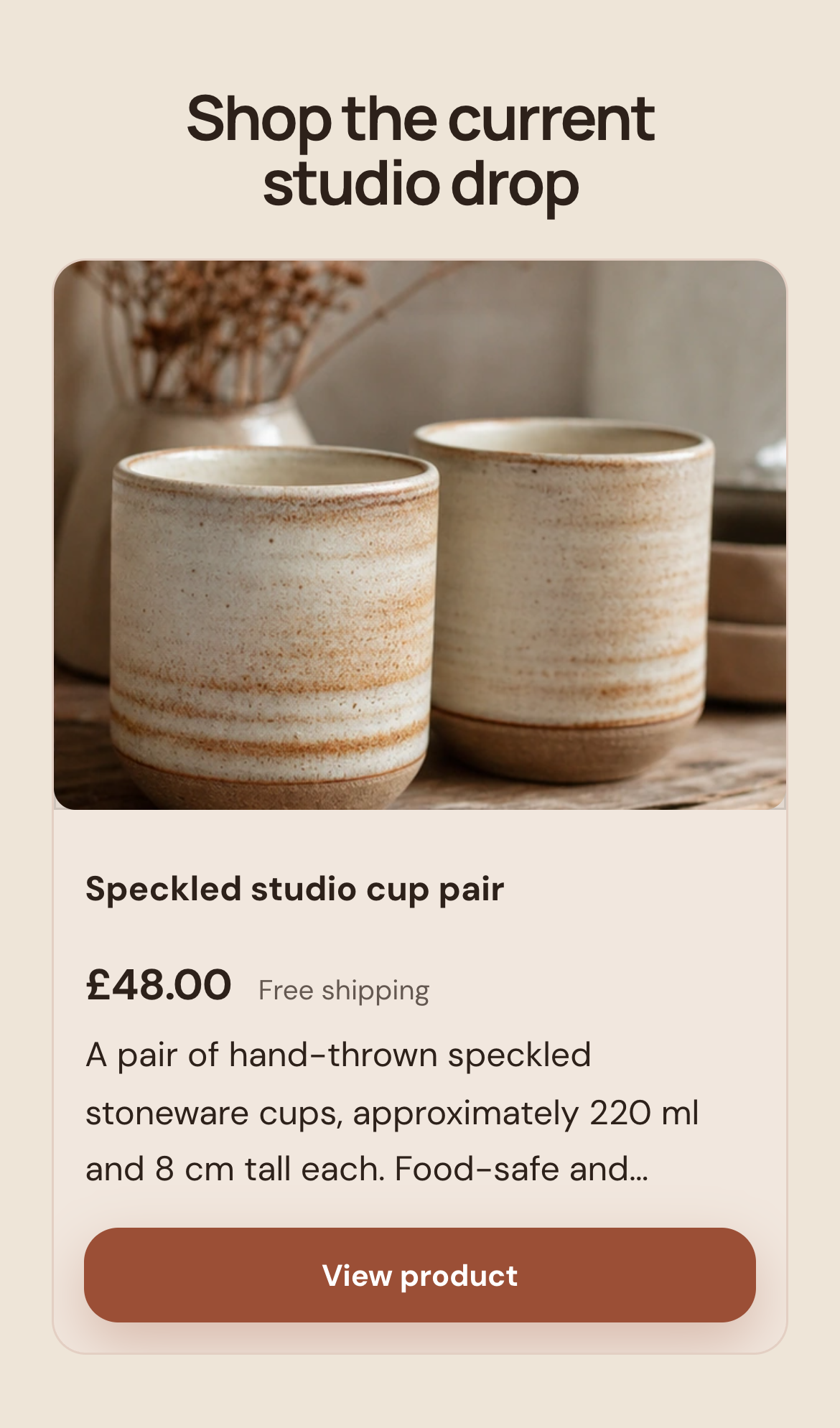
ALSO ON YOUR PAGE
Show what they get—and what it costs.
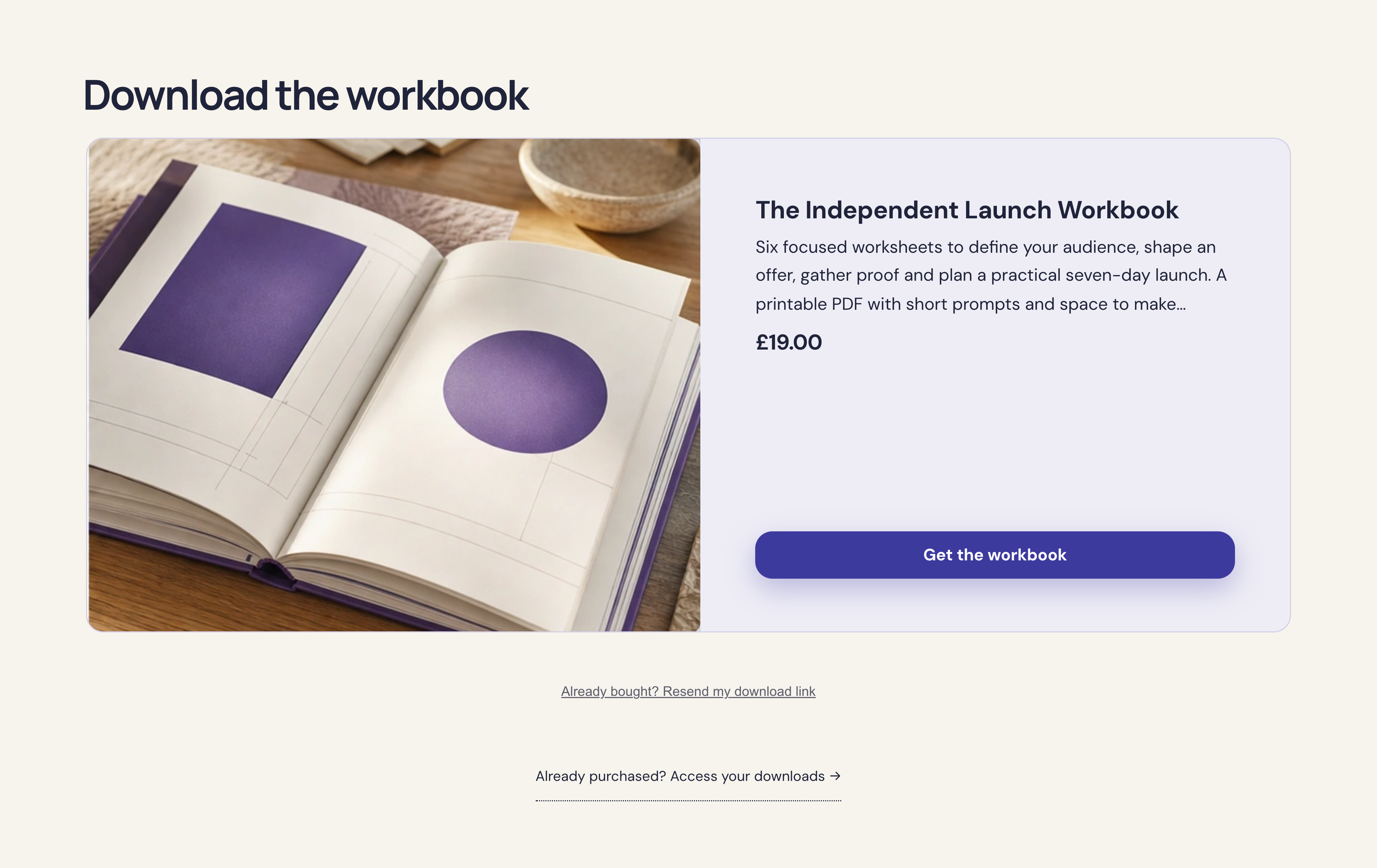
The actual download offer includes the workbook description, its £19 one-off price, the purchase button and access options for returning buyers.
Form & Field · Actual offer section · Demonstration business
Then see how you manage it ↓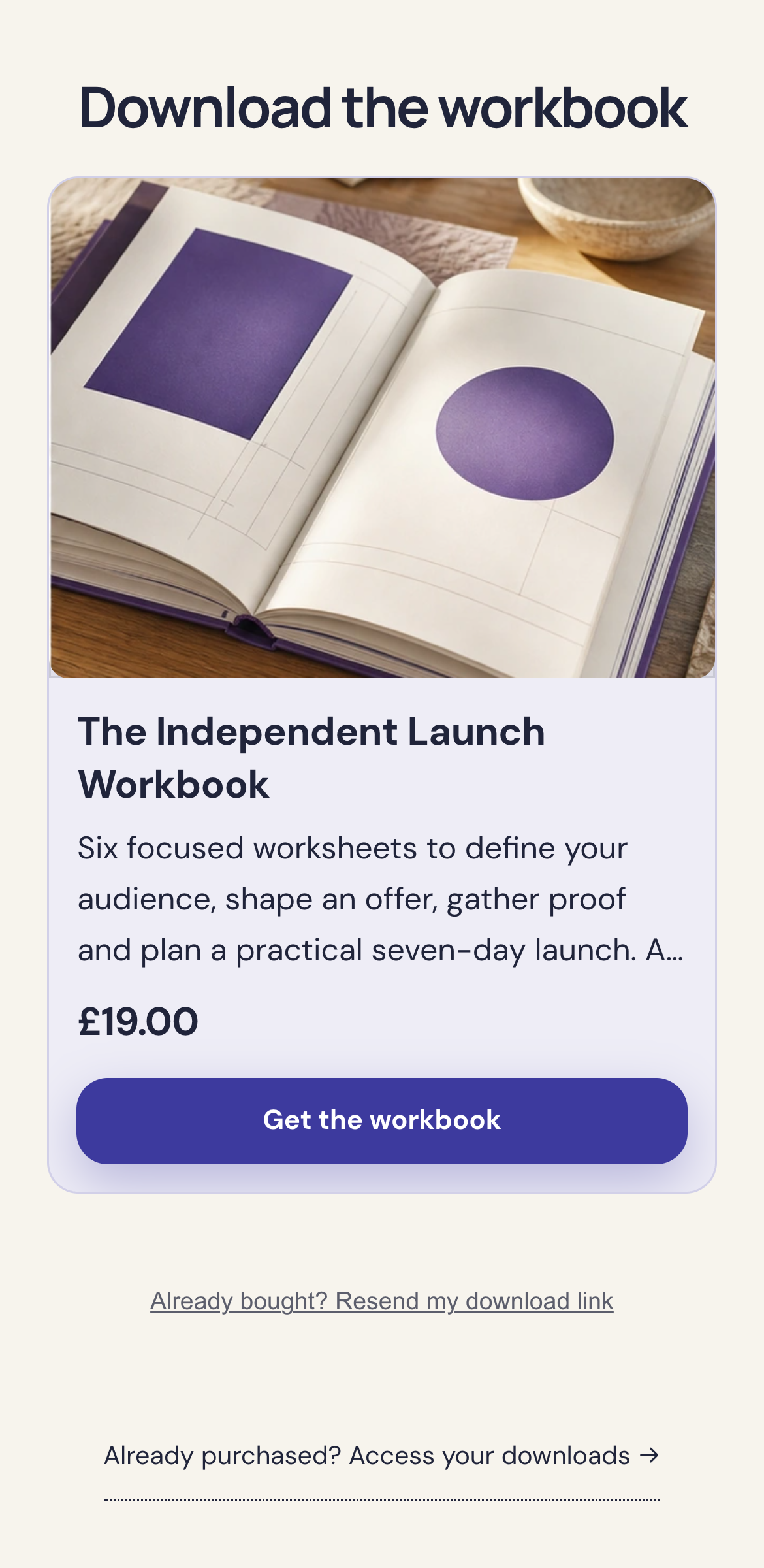
02 / YOUR DASHBOARD
Behind every sale, a clear next step.
01
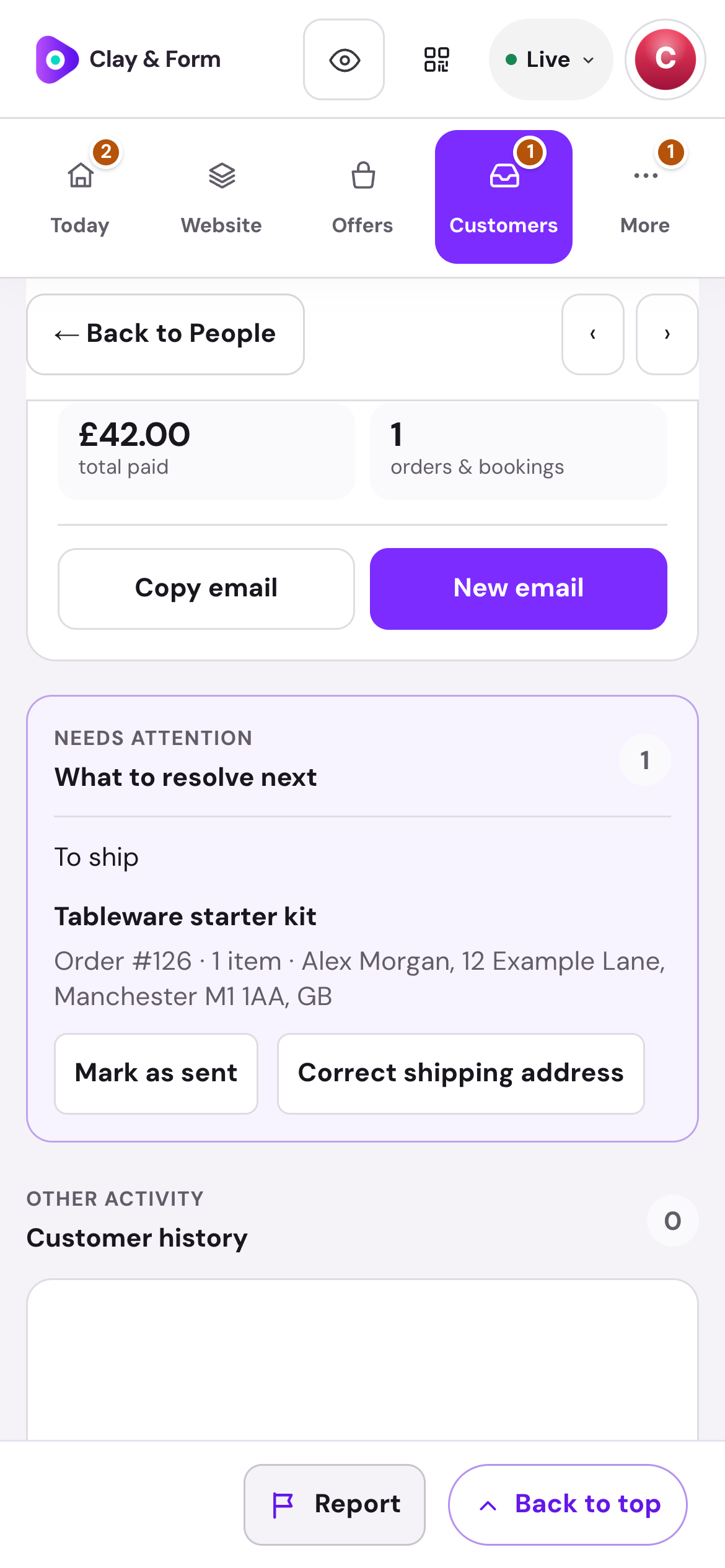
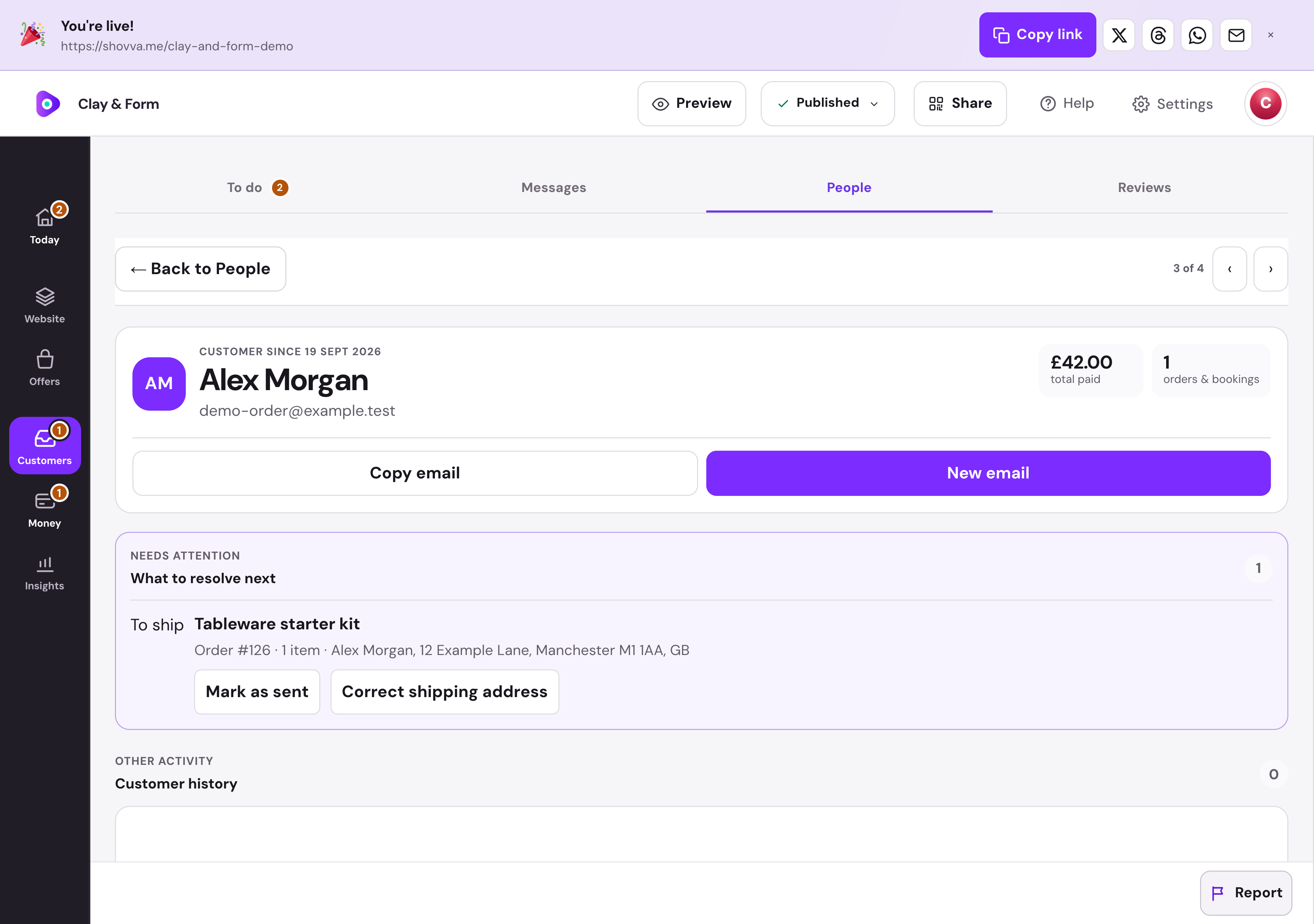
Know what needs sending.
See the product, quantity and delivery address beside the customer. Mark the order as sent when it is ready to leave.
Clay & Form · Order fulfilment · Real dashboard, fictional demo data
01
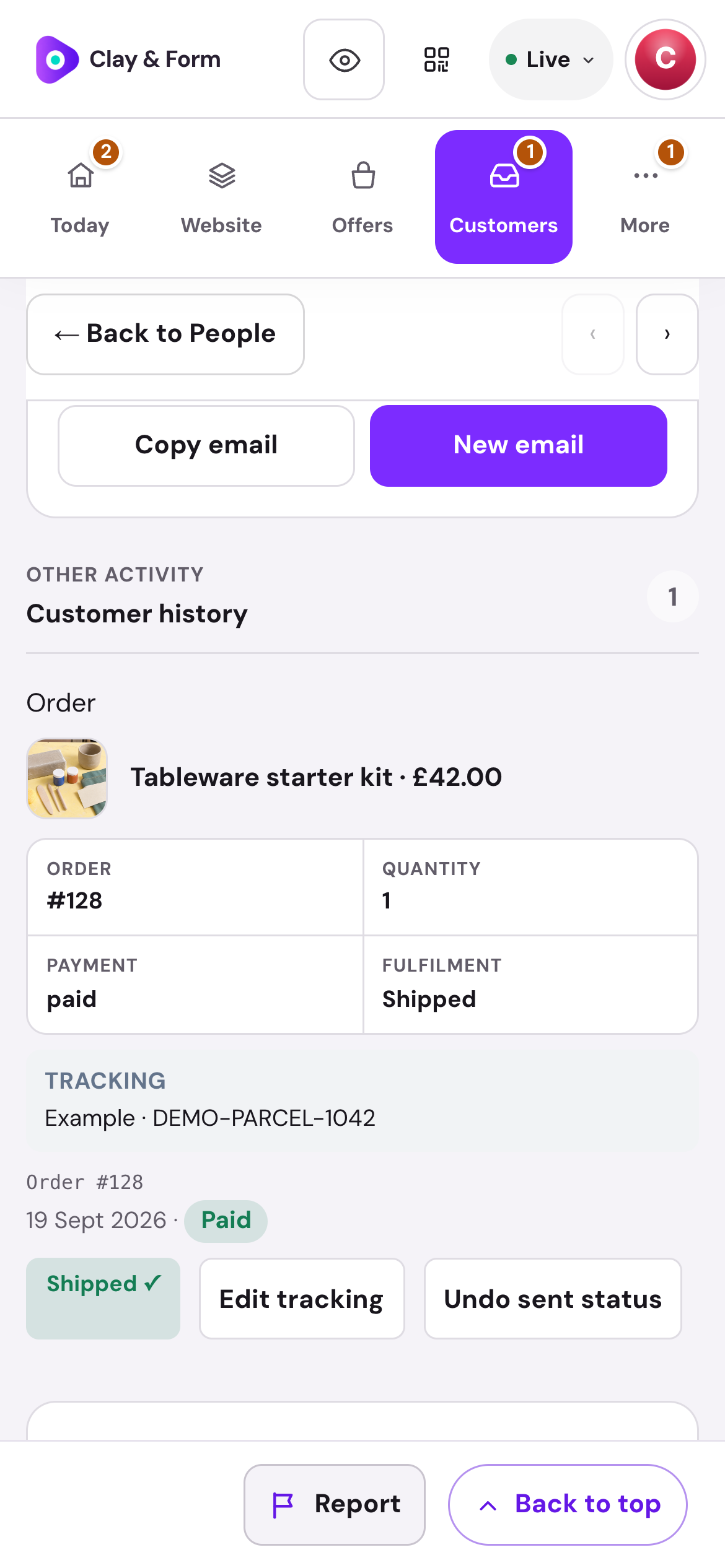
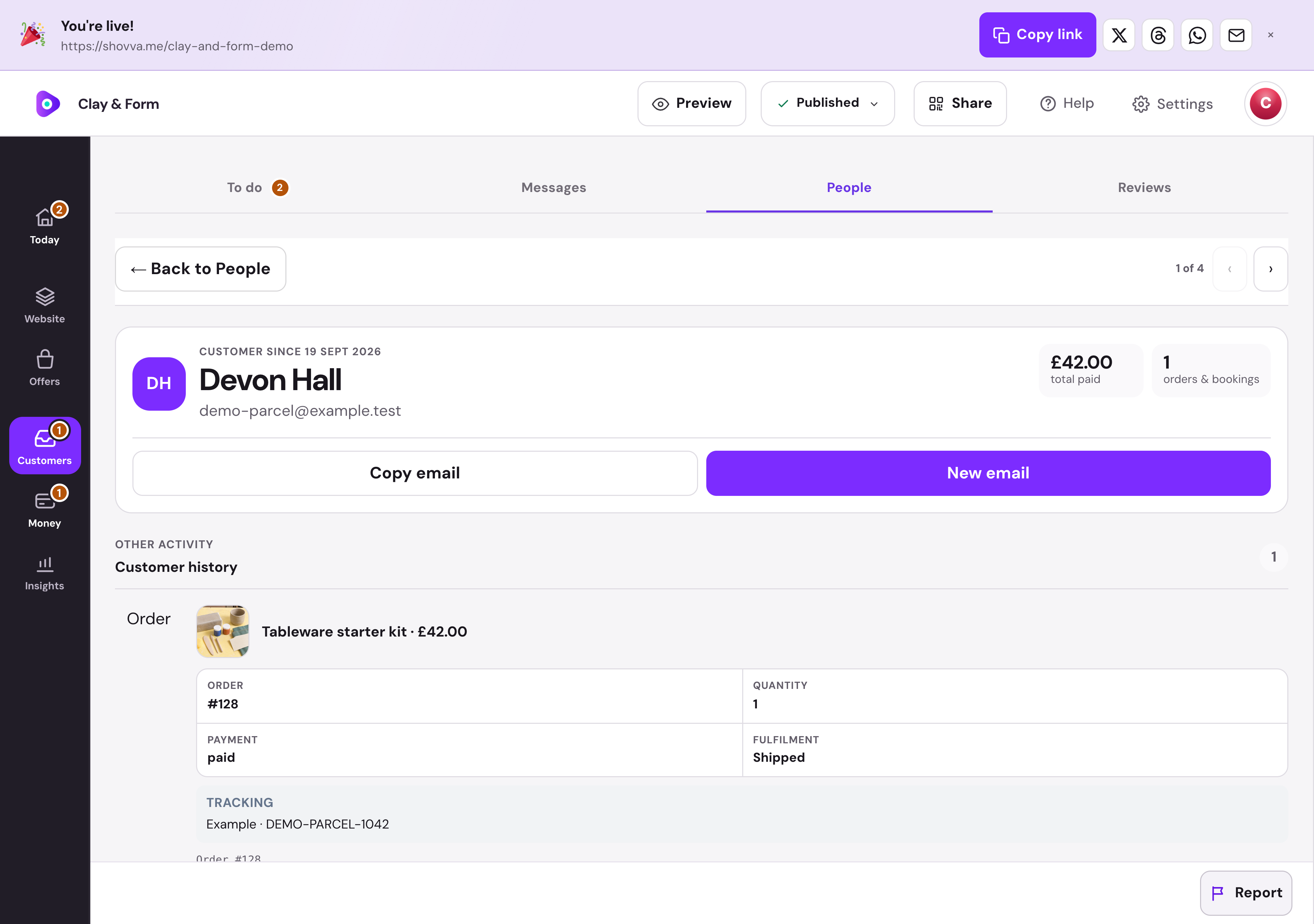
Keep the parcel details with the order.
Add a tracking number and link when dispatching an order. Shovva provides the parcel details in the customer’s account and dispatch email.
Clay & Form · Tracked order · Real dashboard, fictional demo data
01
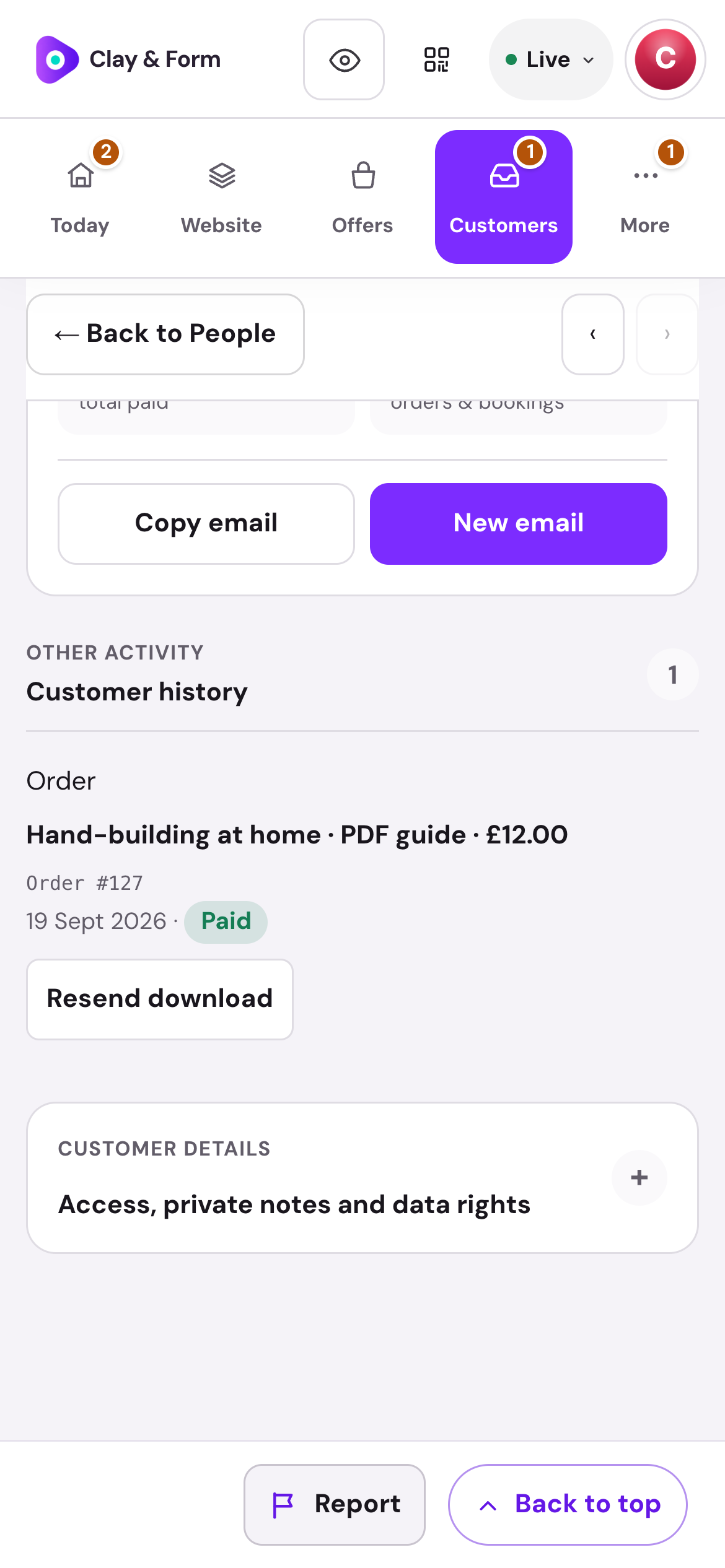
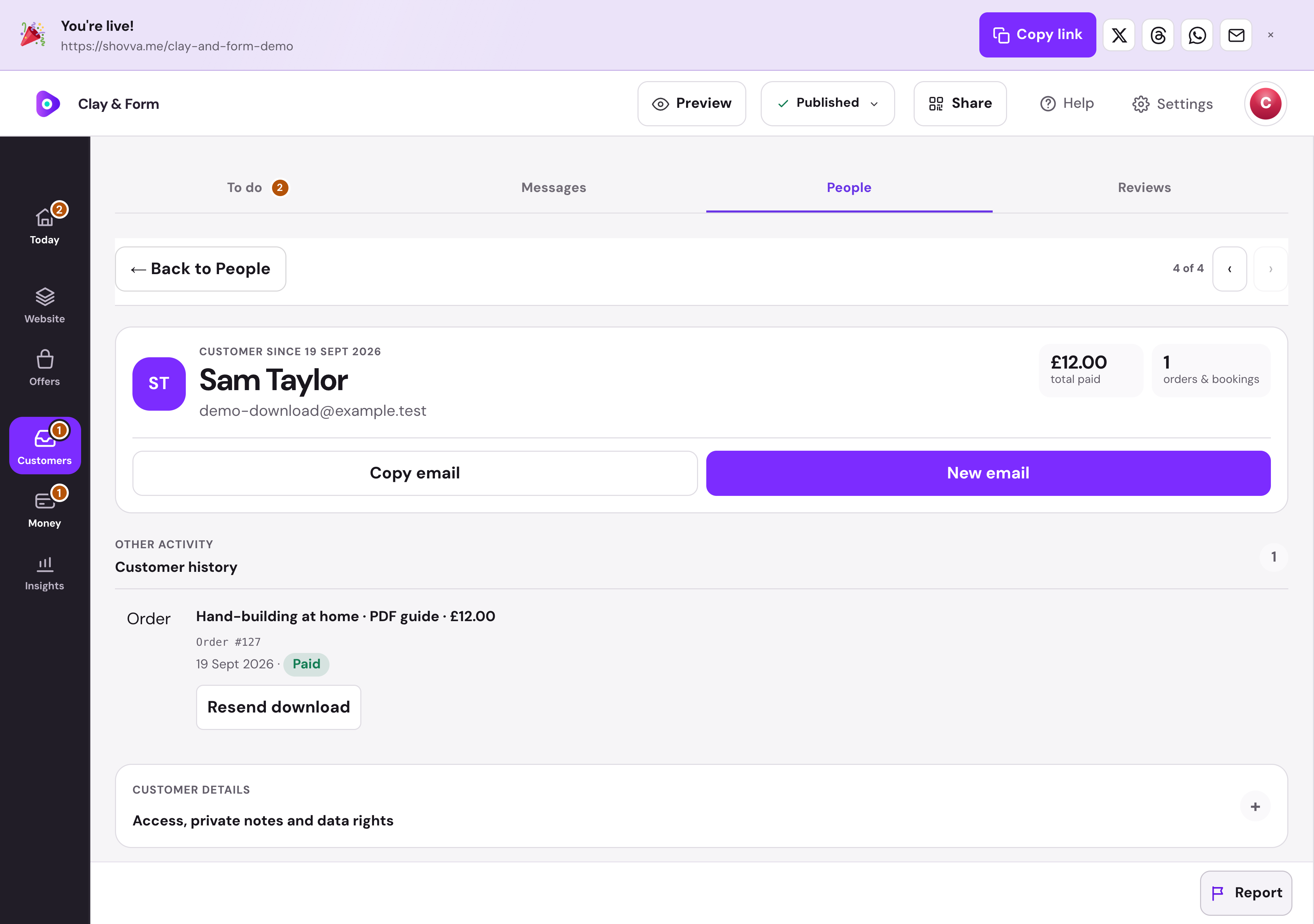
Help buyers get back to their files.
Find the purchase in the customer history and resend the download email from the same workspace.
Clay & Form · Digital order history · Real dashboard, fictional demo data
01
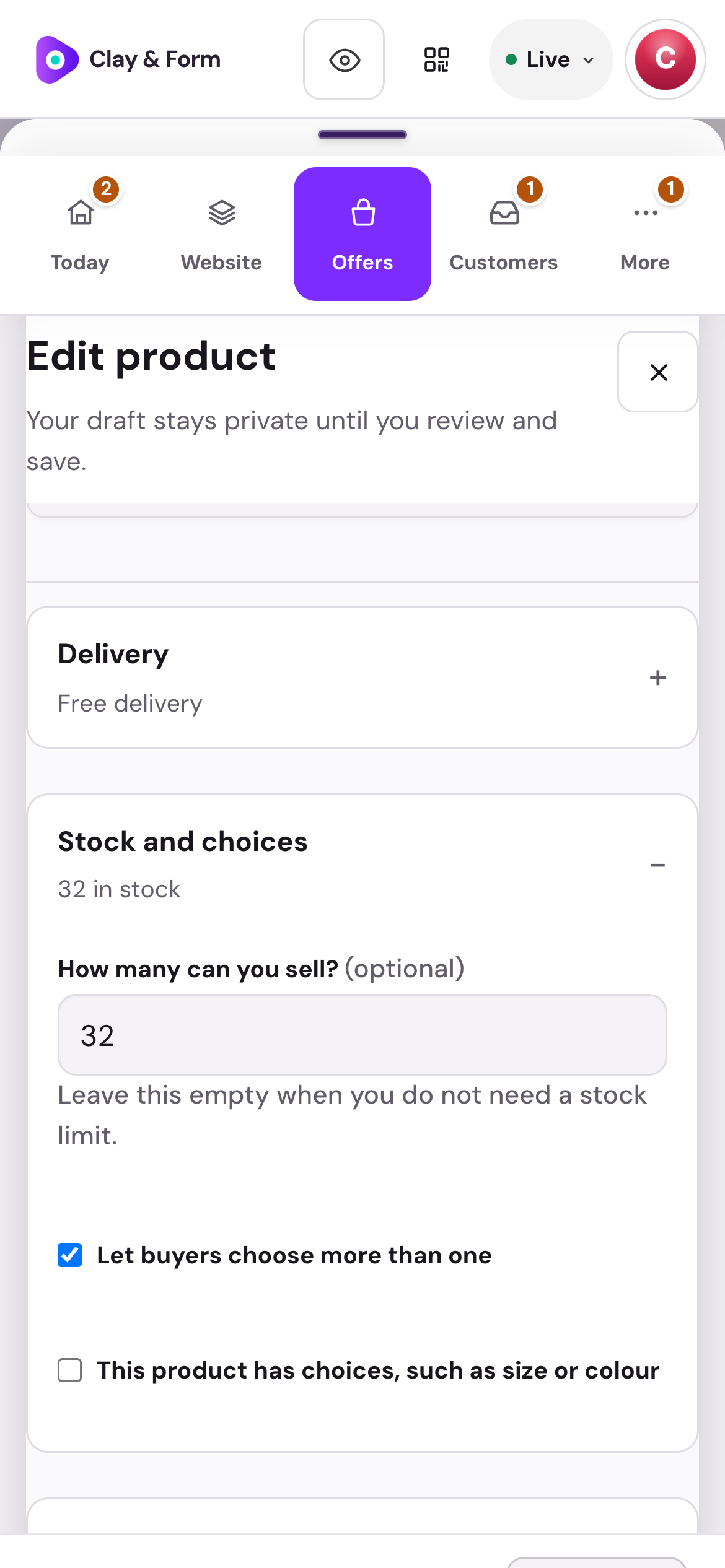
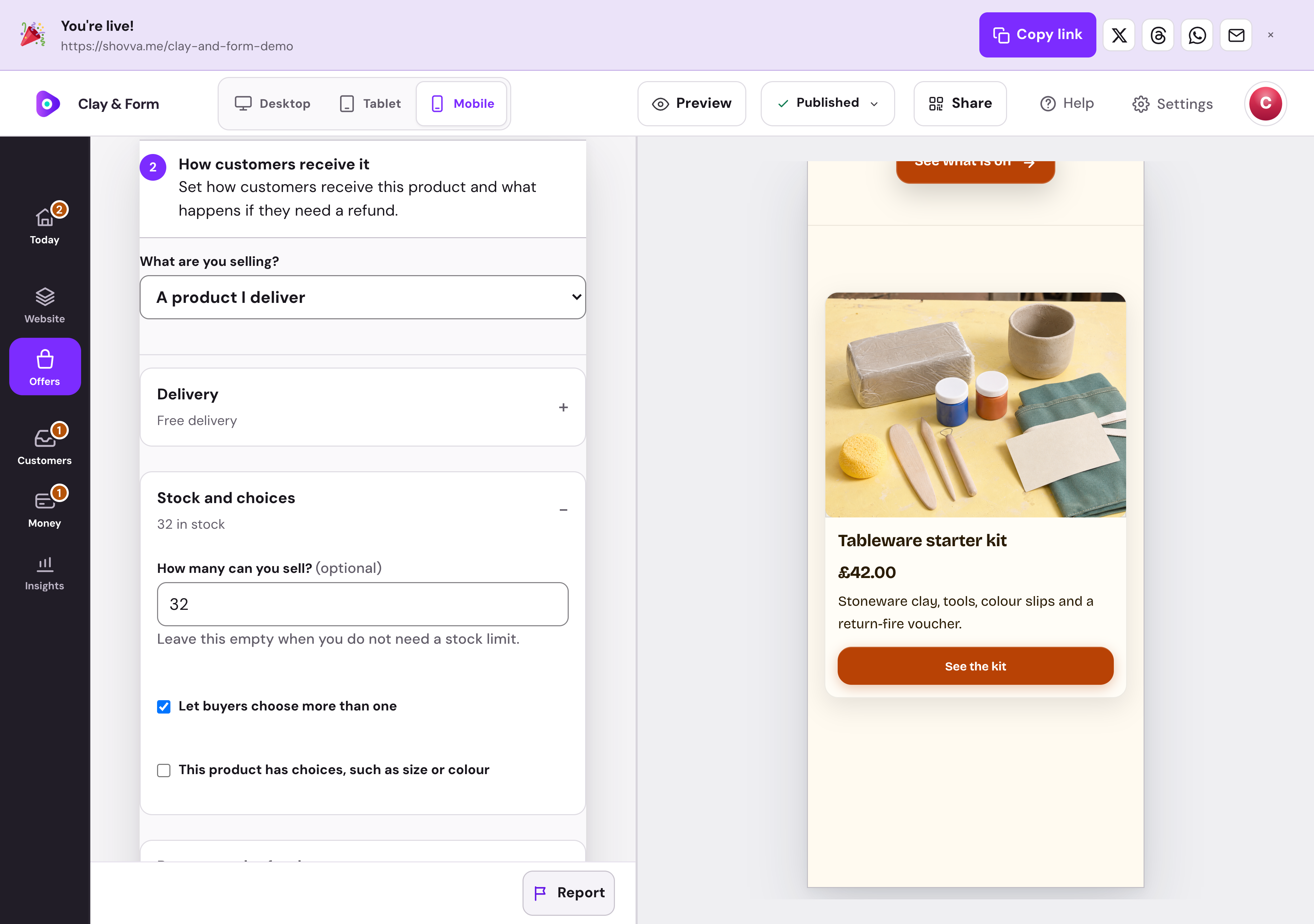
Keep the buying details under control.
Manage stock, quantity choices, delivery and return settings in the product editor. Your offer and its practical details stay together.
Clay & Form · Product editor · Real dashboard, fictional demo data
Real Shovva screens with fictional demonstration records.
The work behind the page
From first look to completed order.
The sale is the start. Keep the product, payment and next action connected.
Present the offer
Add product photos, descriptions, prices and the details a buyer needs.
Set the buying options
Choose physical or digital products, stock, variants and delivery settings where relevant.
Take the payment
Connect Stripe and keep the paid order with the customer record.
Send physical orders
Manage fulfilment and add tracking details for the customer.
Deliver digital access
Provide protected downloads after payment and resend access when needed.
Handle the follow-up
Find the order, review customer requests and manage eligible refunds.
A few useful answers
Good to know before you start.
Do I need a payment card to start?
No. You can create and publish a page on Free without adding a card for a Shovva subscription.
Can I start with just one offer?
Yes. Start with the page and customer action you need, then add more services, products or content later.
Can I change the design?
Yes. Edit your content, sections and style in your workspace. Ordinary saved edits to an already-live page can update it automatically.
How do payments work?
Connect Stripe when you are ready to take payments. Shovva platform fees depend on your plan; Stripe processing is separate.
Put your next offer in front of people.
Start with a free page. Add your real offer and publish when you are ready.