
Shovva for creative studios
Turn your portfolio into your next enquiry.
Show the work, explain your approach and give prospective clients a clear way to ask for a quote.
01 / THE OFFER YOUR CUSTOMER SEES
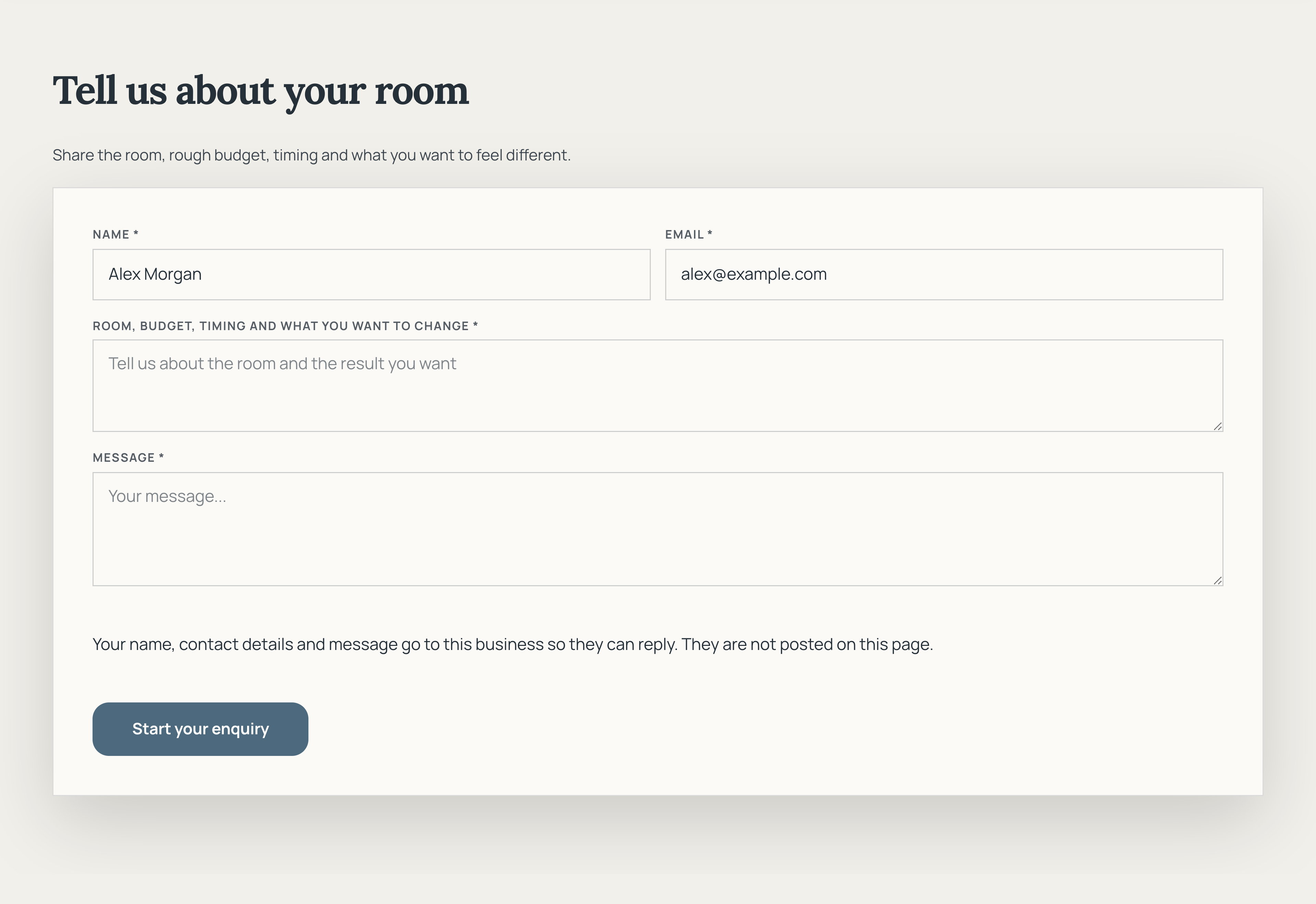
Collect a useful brief from the start.
Show the actual enquiry form, including contact details, project information and the send button. Give customers a clear place to explain what they need.
Oak & Field · Actual offer section · Demonstration business
Then see how you manage it ↓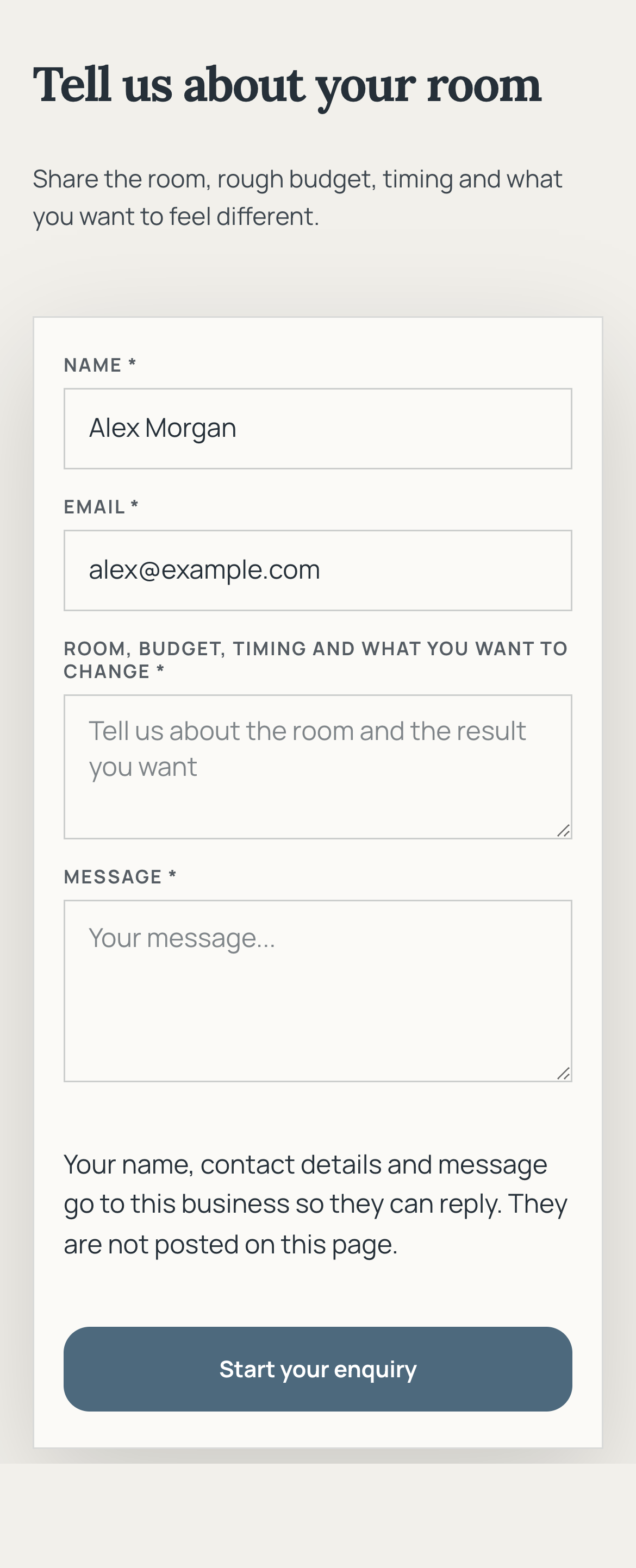
02 / YOUR DASHBOARD
Give every project a clear next step.
The customer experience
01
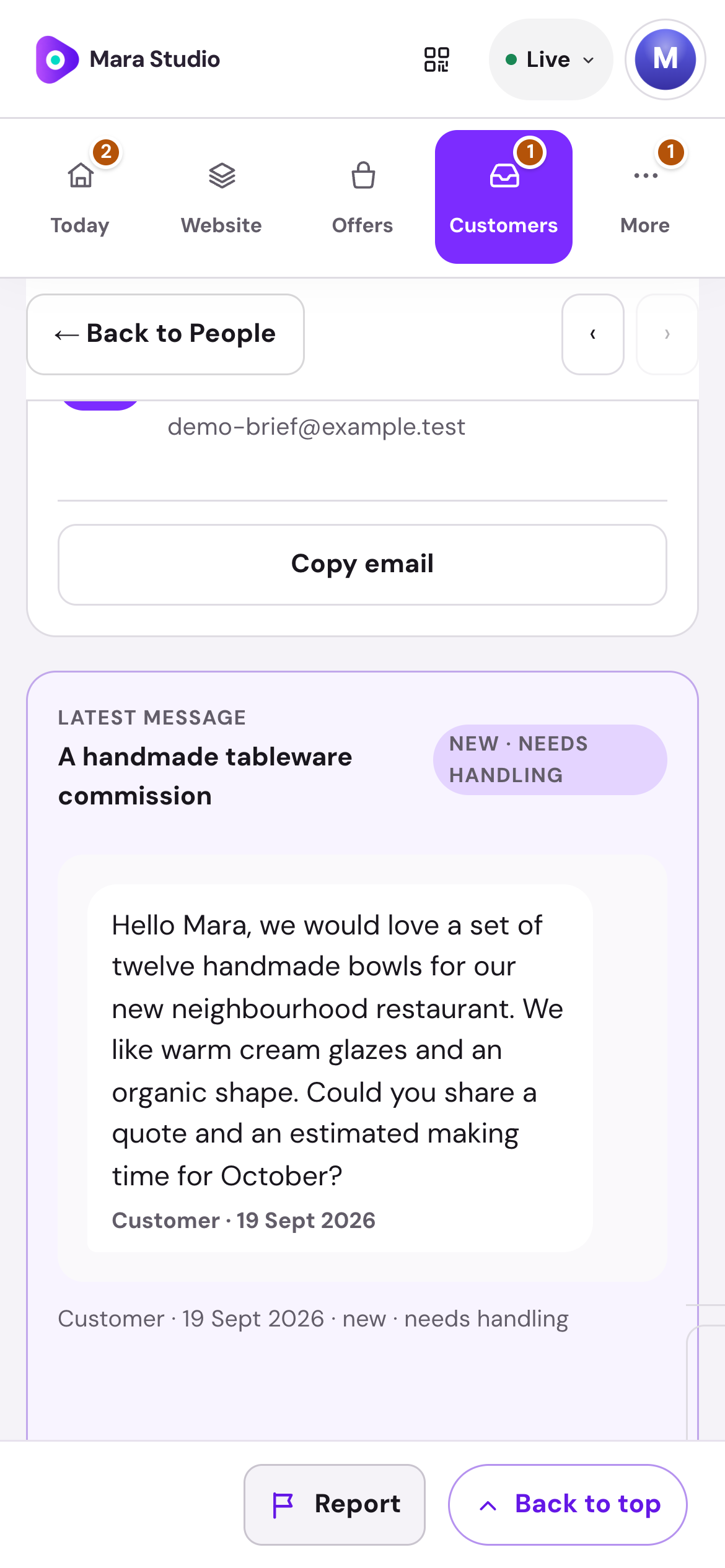
Start with the whole conversation.
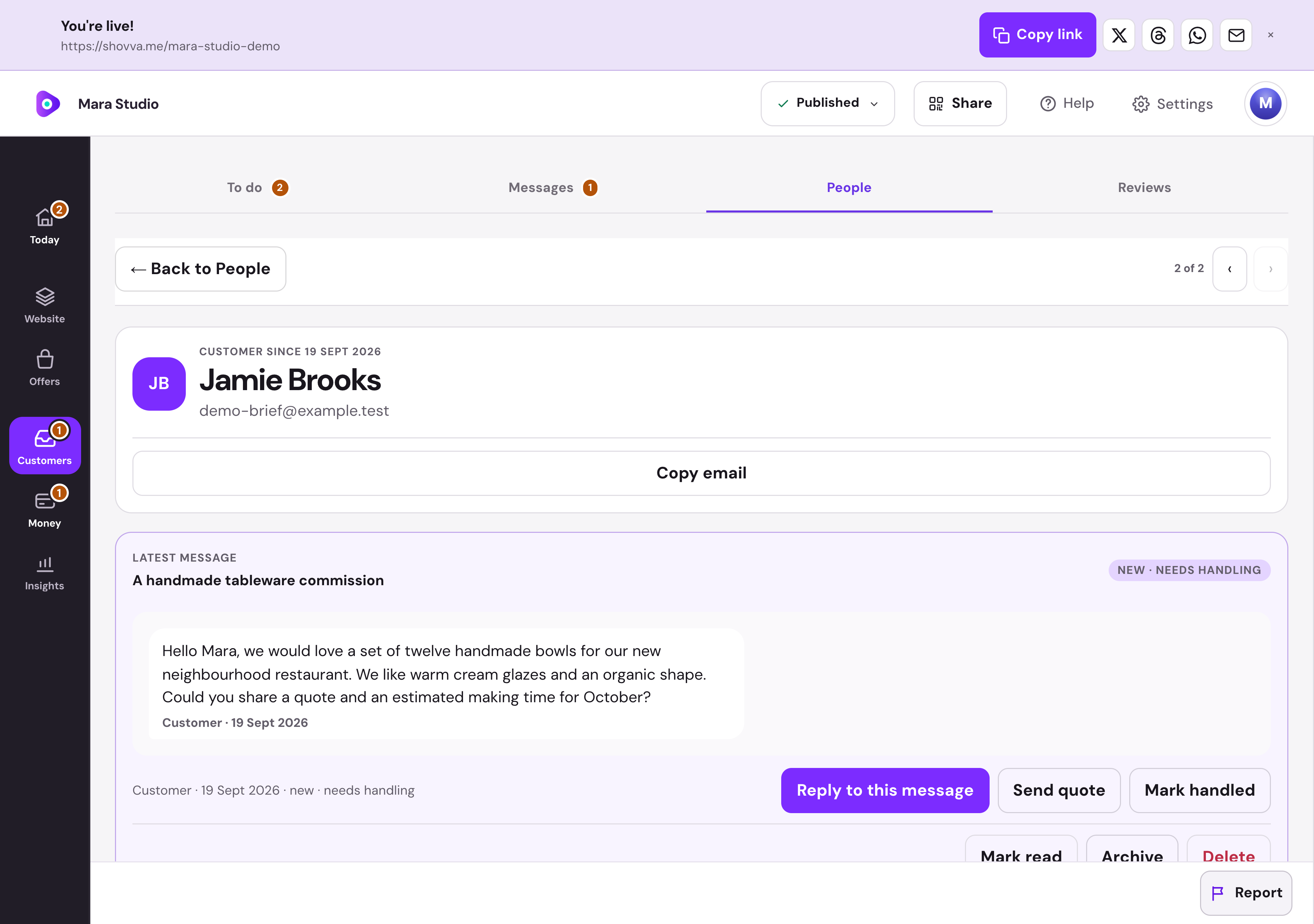
Read the brief beside the customer’s history. Reply, prepare a quote or mark the enquiry handled from the same place.
Mara Studio · Enquiry workspace · Real dashboard, fictional demo data
01
Turn a brief into a clear offer.
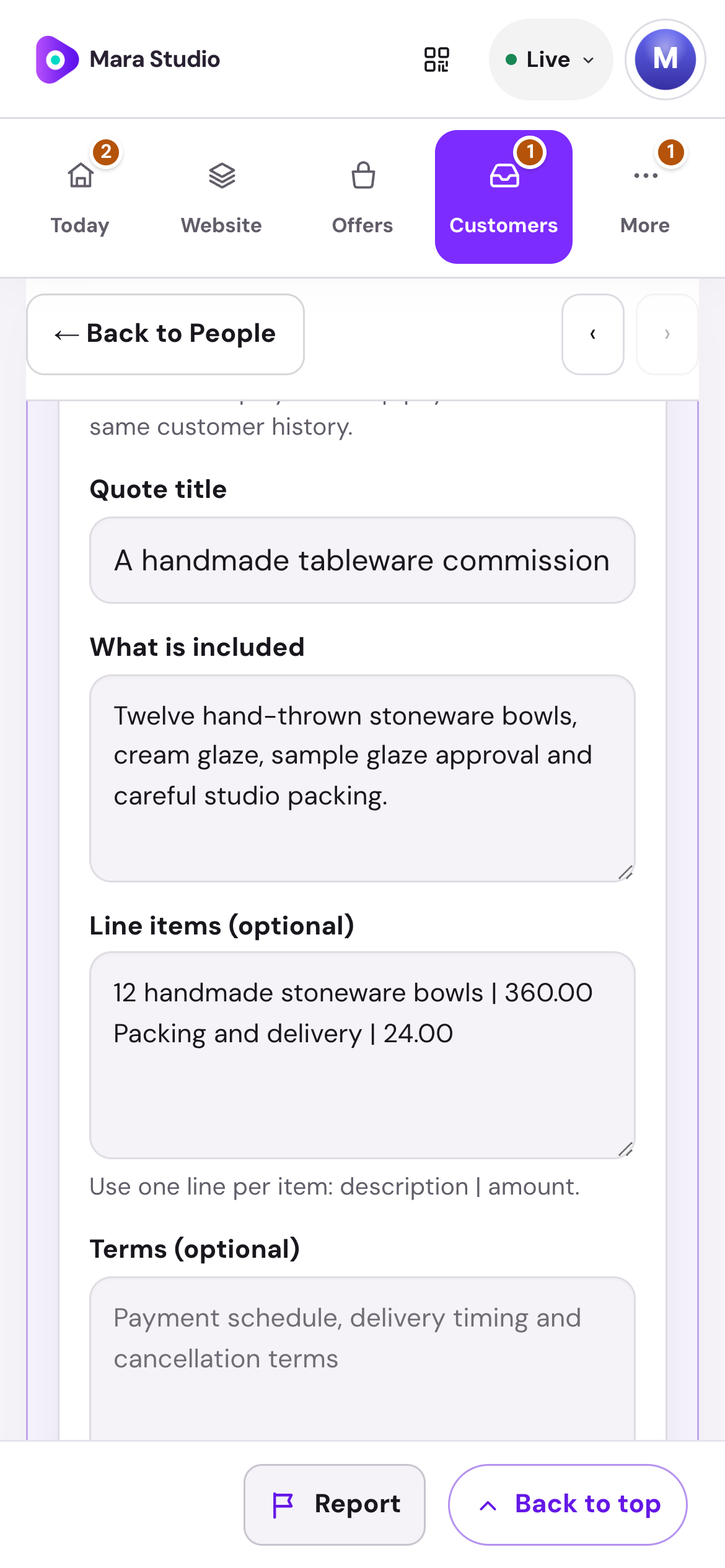
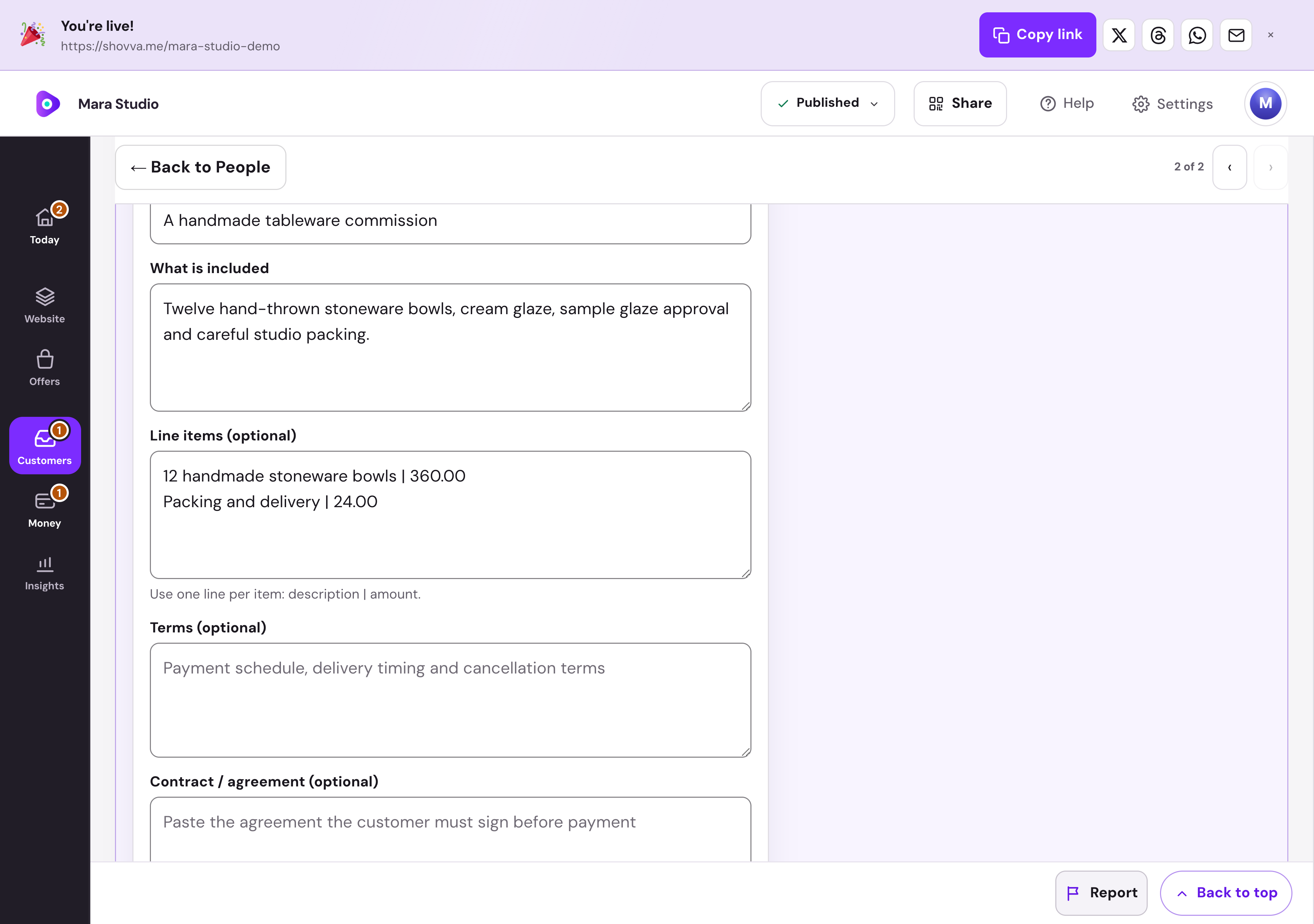
Set out the scope, line items, amount and terms. Review your quote before saving a draft or sending it to the customer.
Mara Studio · Quote preparation · Real dashboard, fictional demo data
The work behind the page
From a good first impression to a useful brief.
Show the work, understand the request and move the right projects forward.
Build confidence
Present selected work, photographs, your process and practical answers.
Ask relevant questions
Use an enquiry form that collects the details your service needs.
Keep the customer context
Find the enquiry alongside the person and their activity.
Shape a quote
Prepare a quote with the scope, line items, amount and payment terms.
Give payment a clear place
Send the agreed quote with its customer payment route.
Manage the next step
Return to the customer record to track the quote and follow-up.
Start with what matters
Your business can do more than one thing.
Build a page for your business.
Choose your own content, offers and style. Start free and publish when ready.