
Tips & support
Make supporting your work simple.
Give supporters a clear way to contribute, with the payment and customer record kept together.

01 / THE OFFER YOUR CUSTOMER SEES
Choose an amount. Make a contribution.
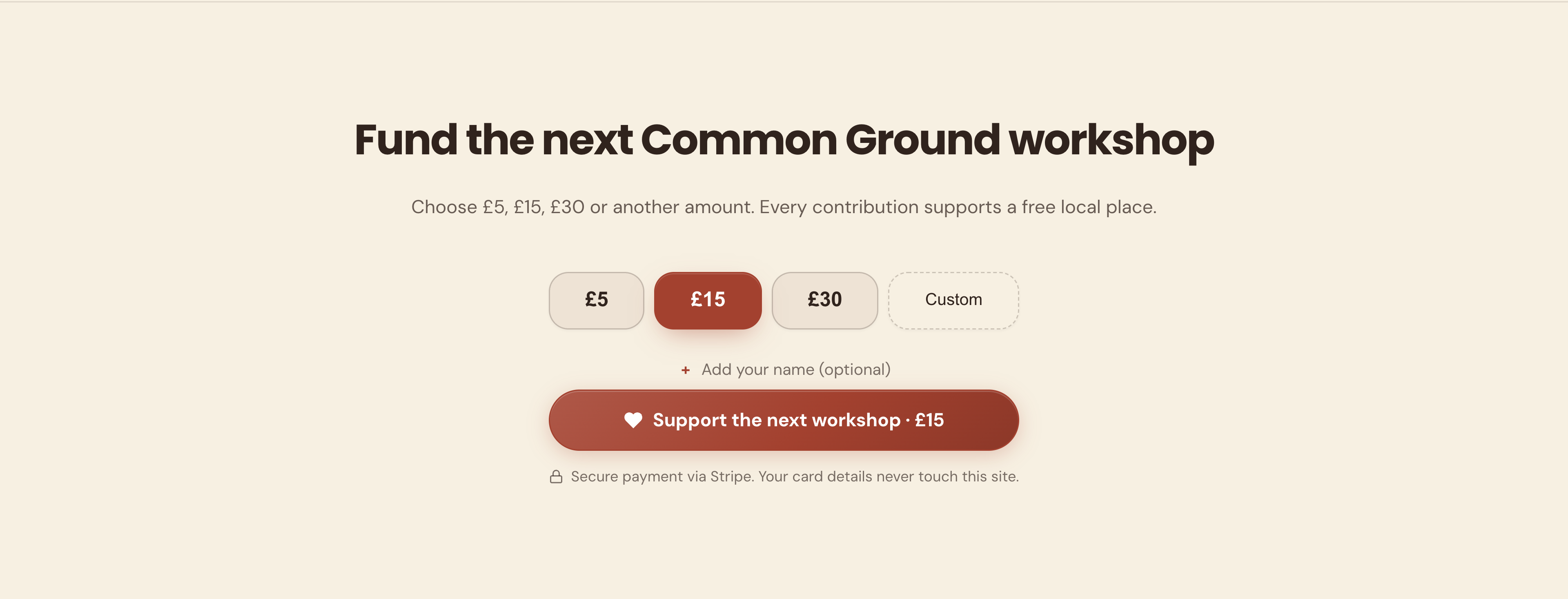
Show preset amounts, a custom option and the support button itself. This is the actual contribution section, with £15 selected in the example.
Common Ground Fund · Actual offer section · Demonstration business
Then see how you manage it ↓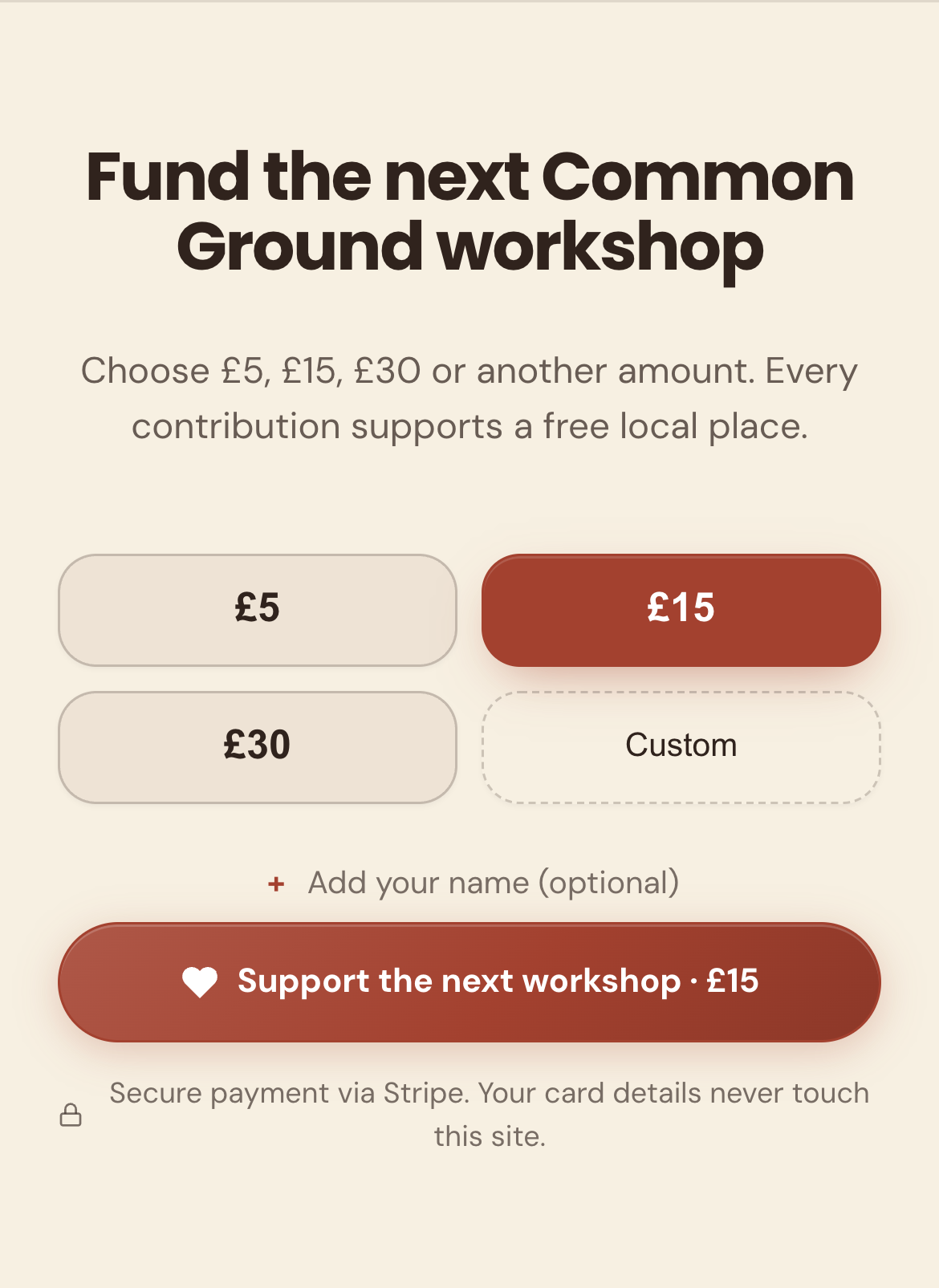
02 / YOUR DASHBOARD
Keep support connected to the person.
01
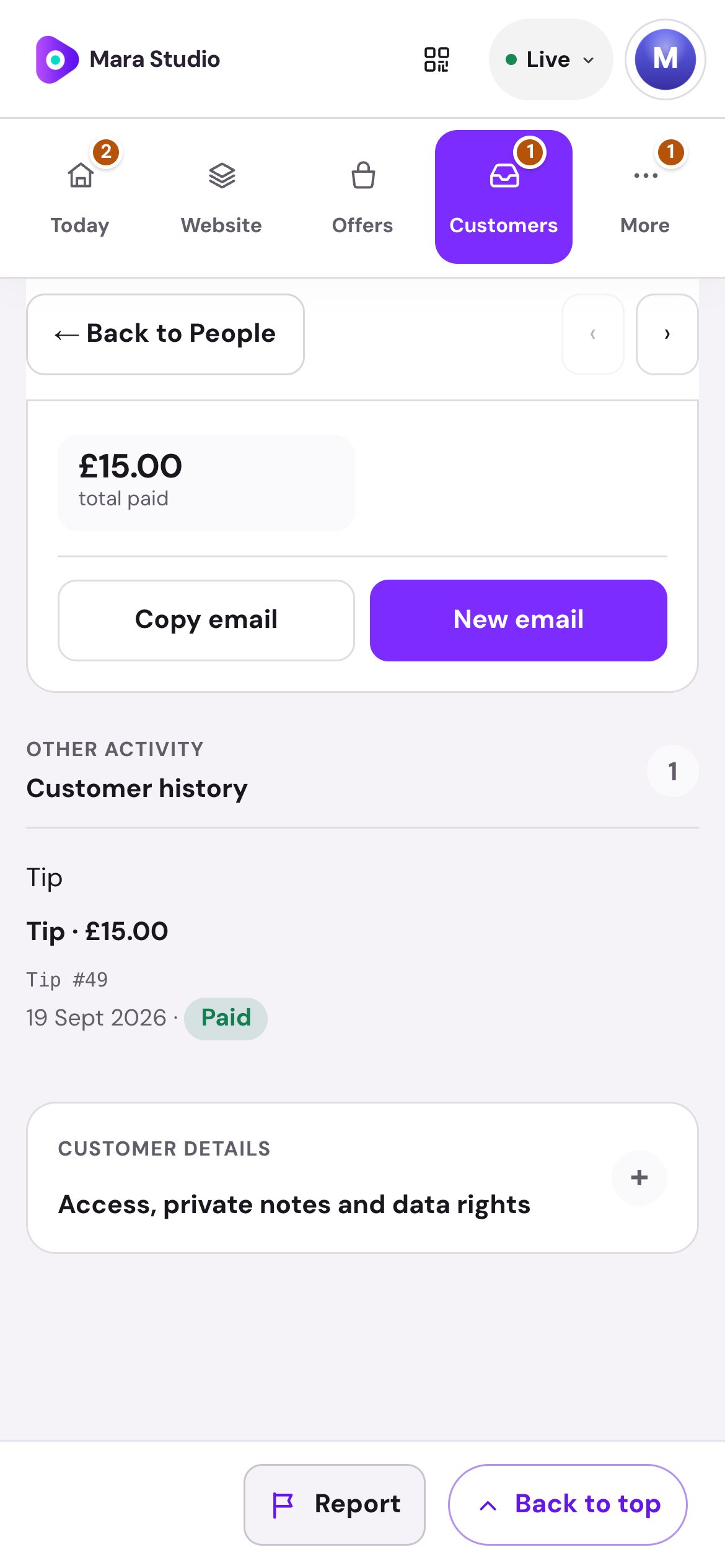
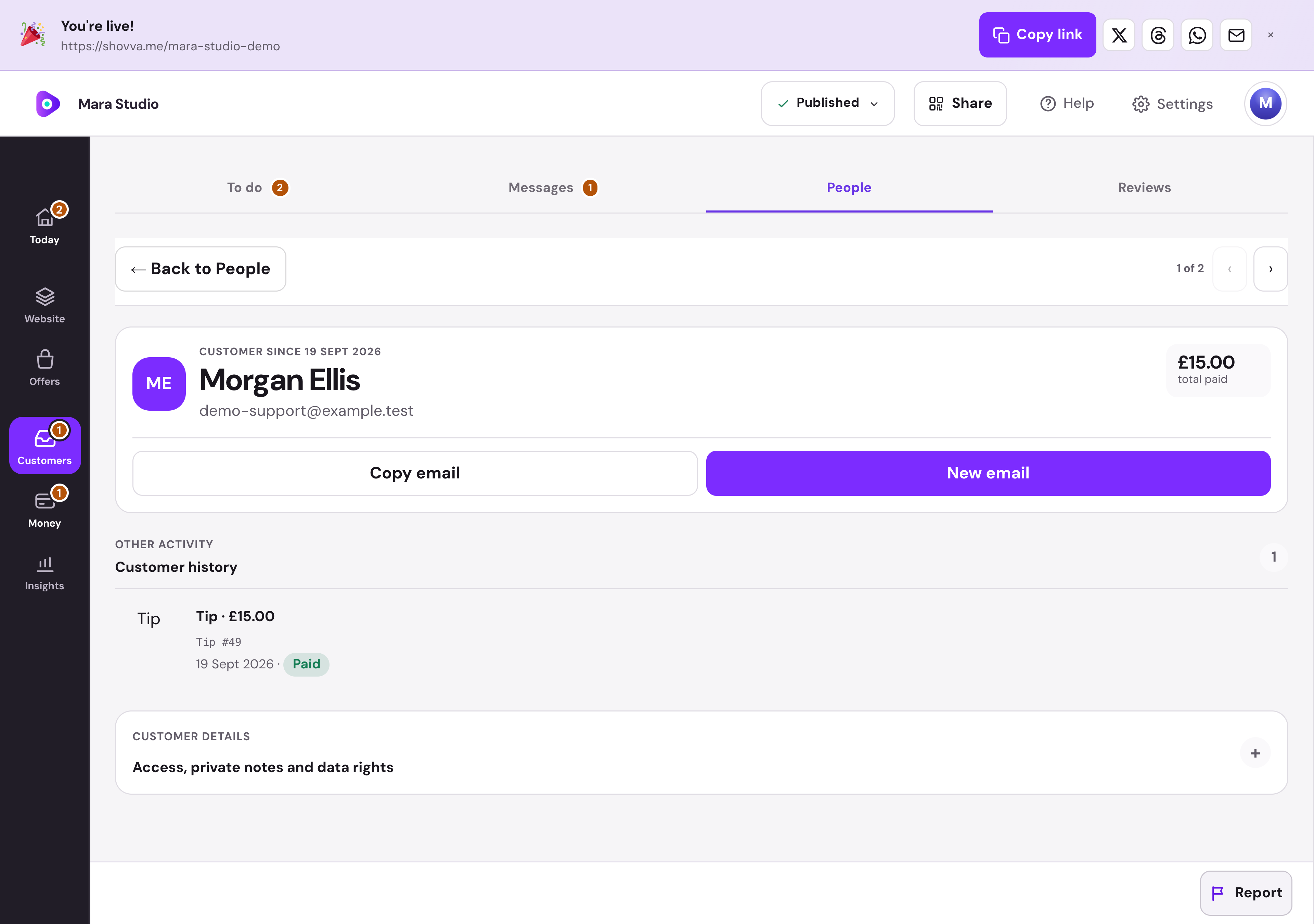
Put a person beside every contribution.
Find the supporter, their contribution and its status in customer history, alongside the contact details you need for follow-up.
Mara Studio · Supporter history · Real dashboard, fictional demo data
01
Start with the whole conversation.
Read the brief beside the customer’s history. Reply, prepare a quote or mark the enquiry handled from the same place.
Mara Studio · Enquiry workspace · Real dashboard, fictional demo data
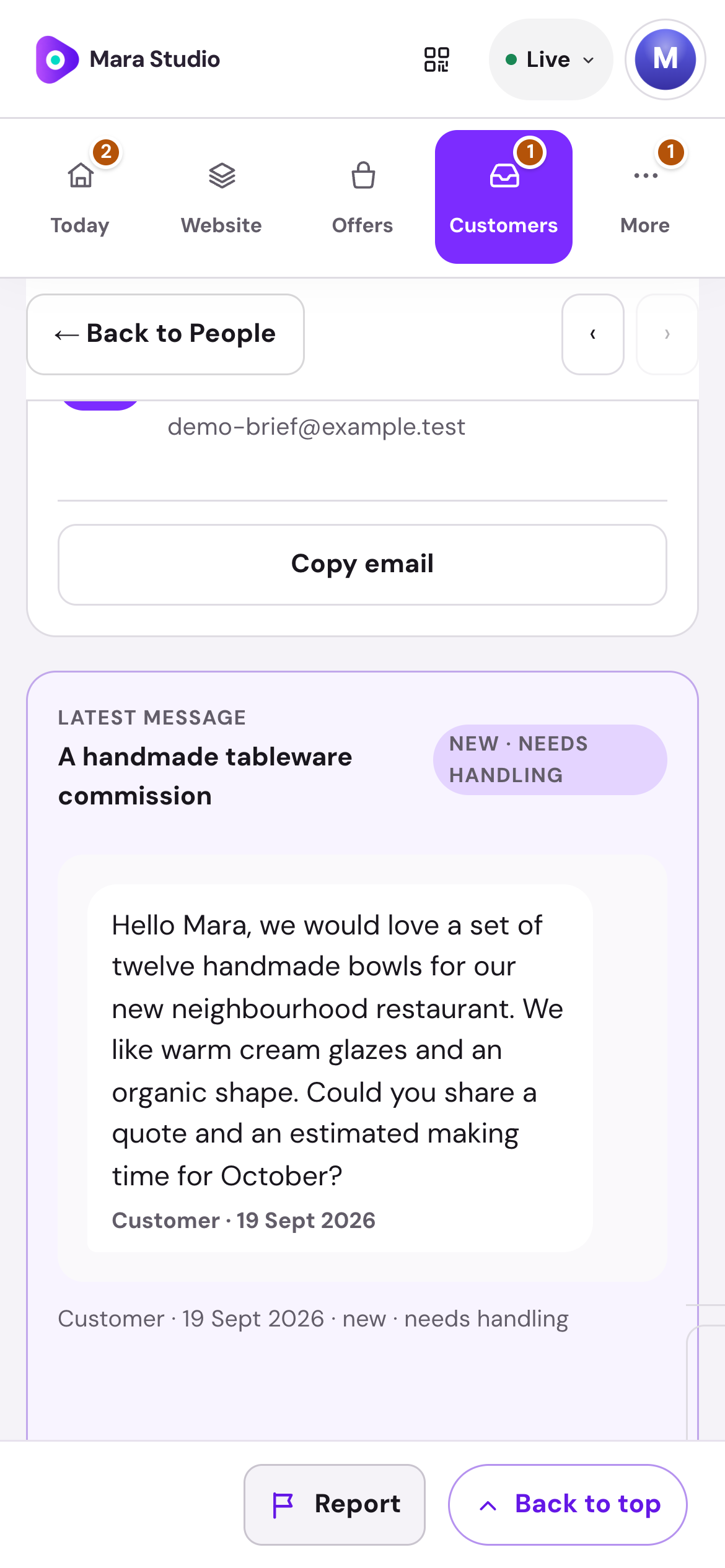
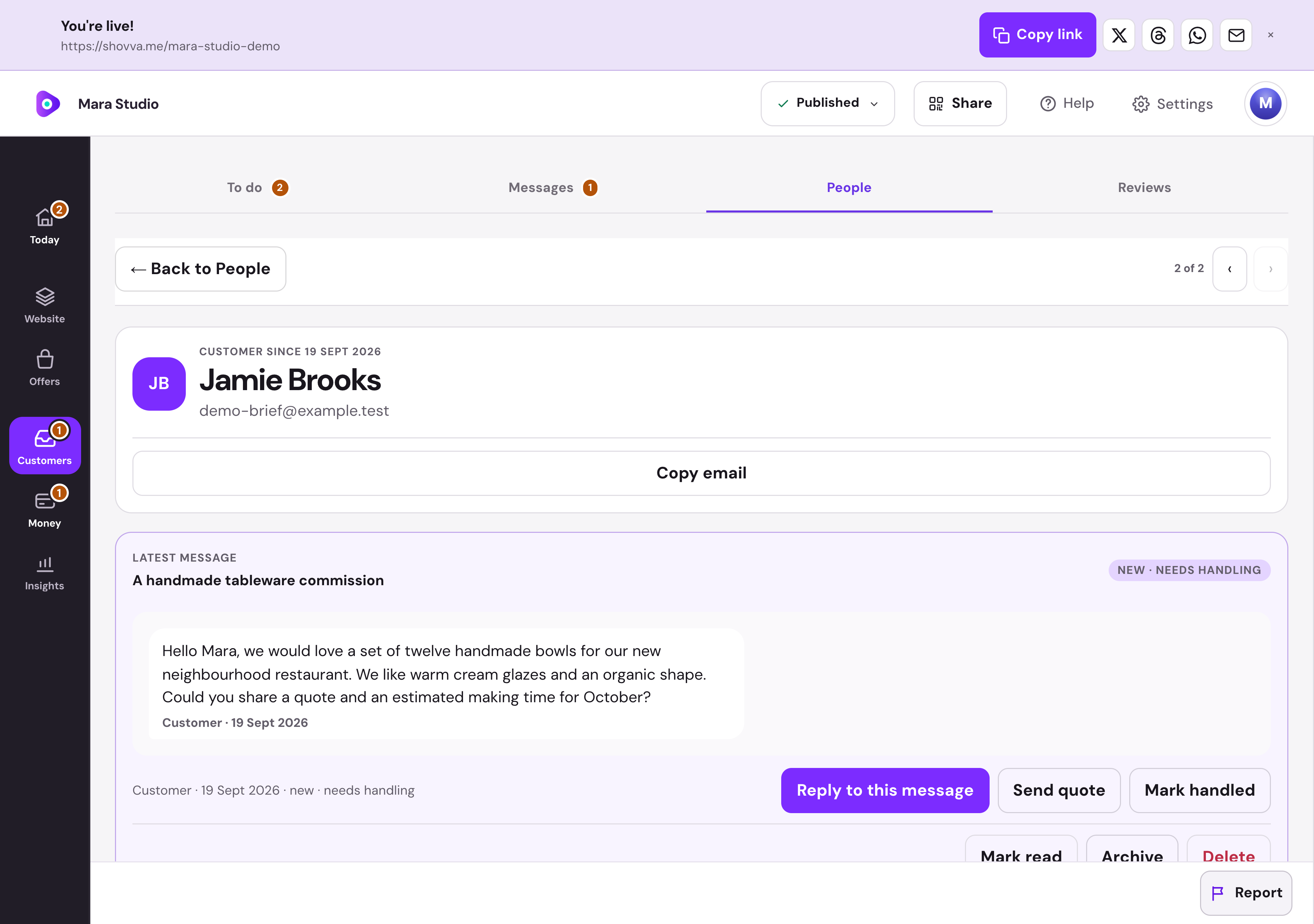
Real Shovva screens with fictional demonstration records.
The work behind the page
Make support simple to give and manage.
A clear purpose on the page, with the payment kept in context.
Explain the purpose
Use your story, photographs and updates to show what support helps you do.
Offer useful amounts
Choose suggested contributions and allow a custom amount.
Keep it optional
Give people a direct support action alongside the rest of your page.
Take the payment
Use connected Stripe checkout for the contribution.
See the supporter activity
Keep support payments connected to customer activity.
Follow the money
Review payment activity and fees from your Shovva workspace.
A few useful answers
Good to know before you start.
Do I need a payment card to start?
No. You can create and publish a page on Free without adding a card for a Shovva subscription.
Can I start with just one offer?
Yes. Start with the page and customer action you need, then add more services, products or content later.
Can I change the design?
Yes. Edit your content, sections and style in your workspace. Ordinary saved edits to an already-live page can update it automatically.
How do payments work?
Connect Stripe when you are ready to take payments. Shovva platform fees depend on your plan; Stripe processing is separate.
Put your next offer in front of people.
Start with a free page. Add your real offer and publish when you are ready.