
Food & drink
Online ordering for your kitchen.
A photo menu with allergens and an Add button on every dish. Customers order ahead and pay on your website.
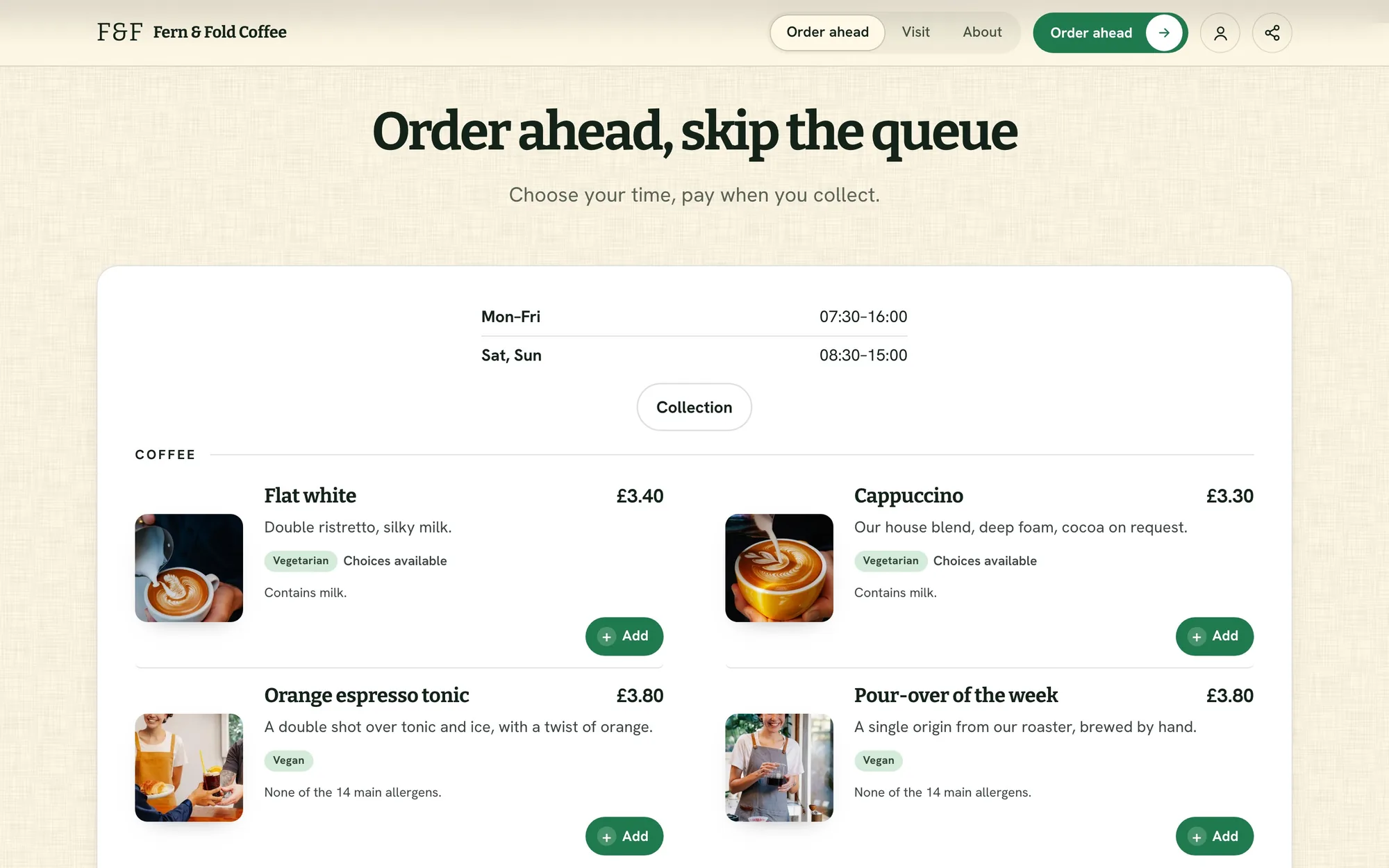
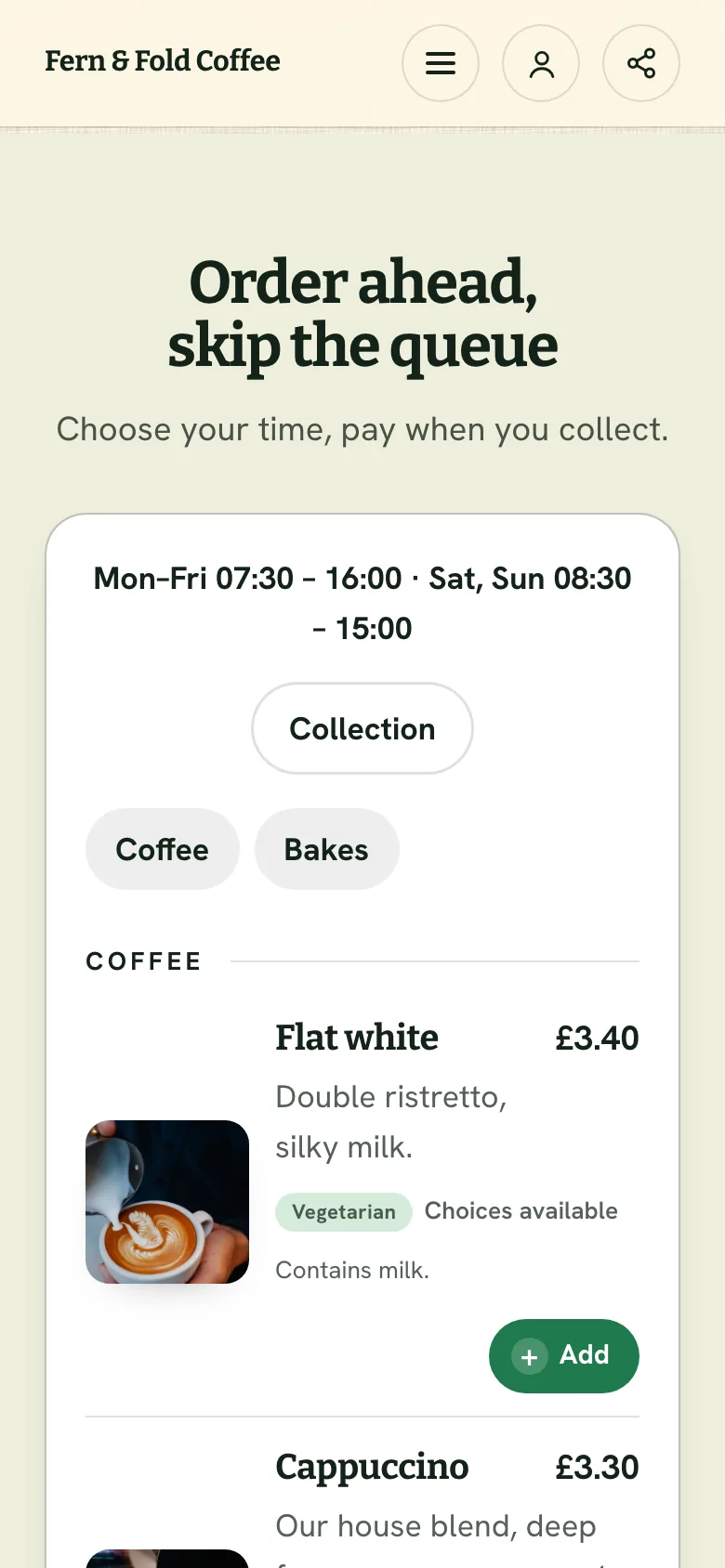
Your menu
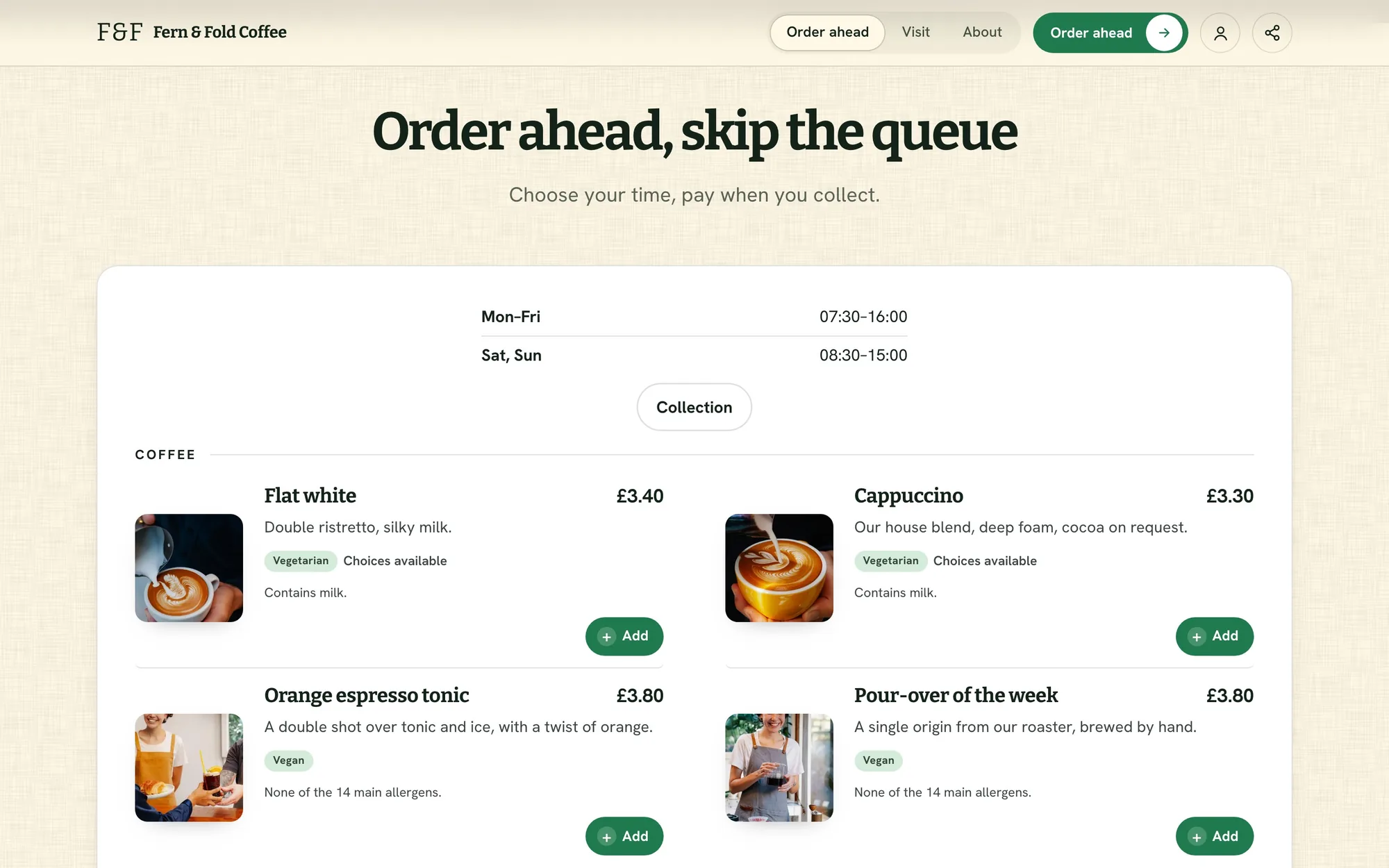
Order ahead, skip the queue.
Photos, prices and options on every item. Customers build their order and choose a collection time.
Options like size and milk
Collection times
Allergens on every item
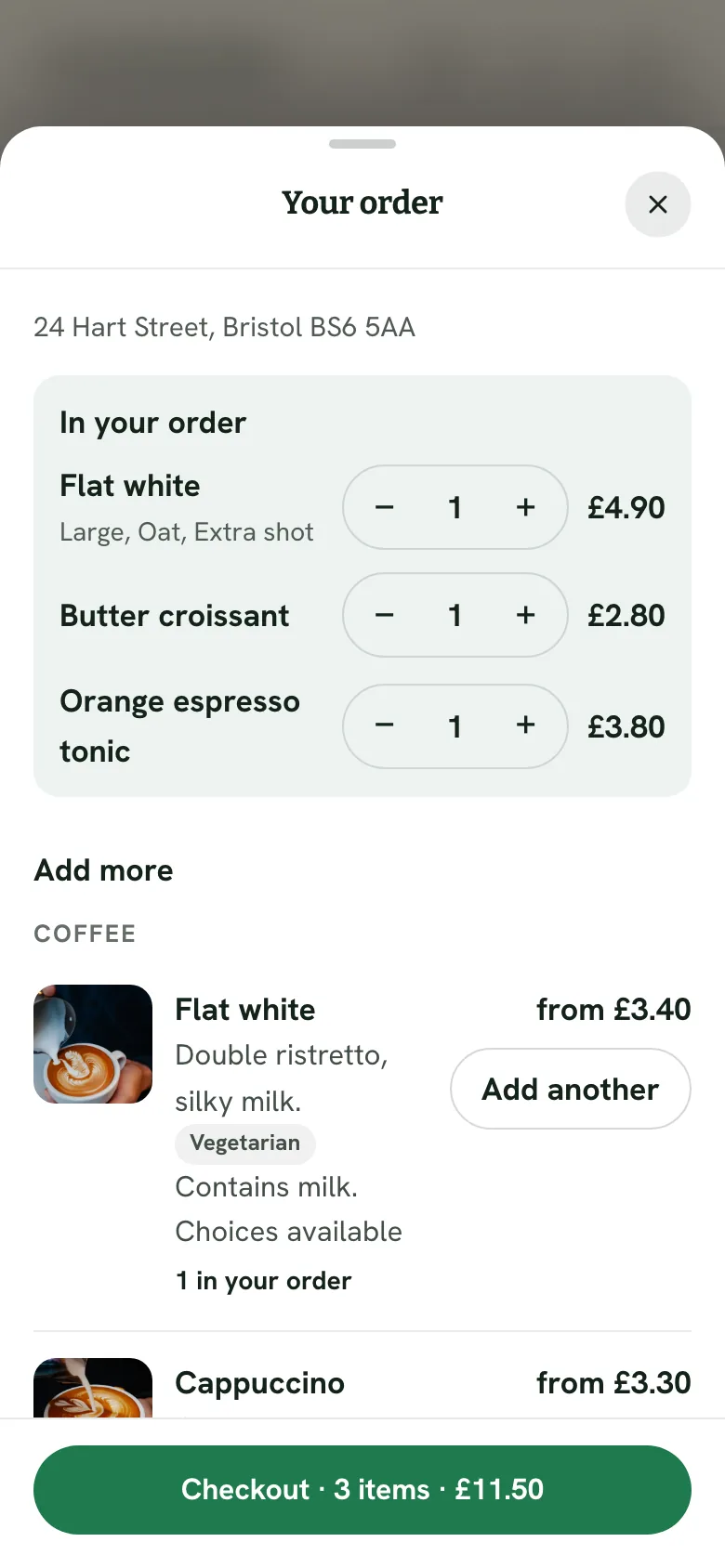
Your orders
Orders arrive with an alert on your phone.
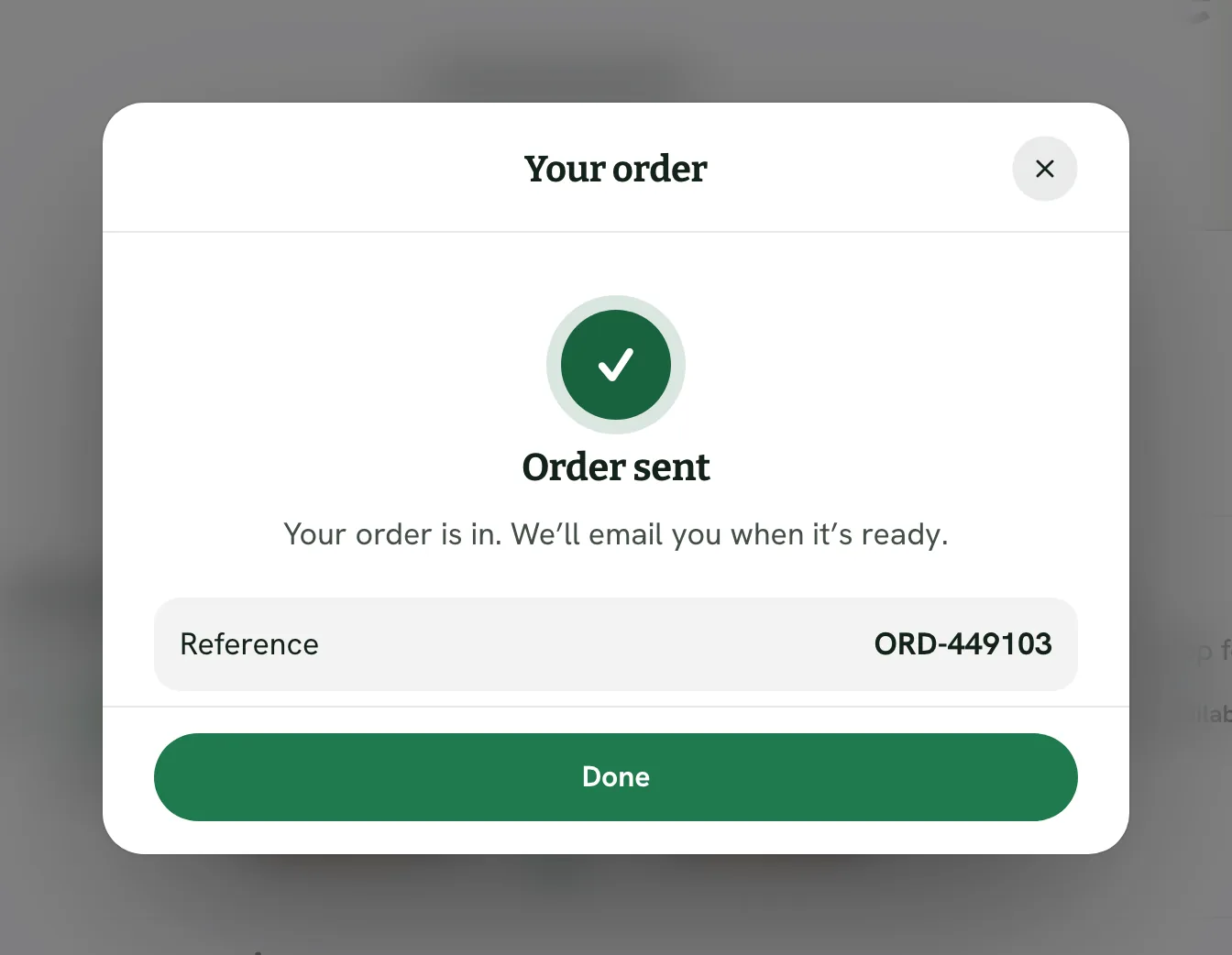
The customer gets their order confirmed with a reference. It lands in the same app as your website, with a push alert on your phone.
Orders to prepare
Order receipts emailed for you
A phone alert for every order
Today’s counter
A photo menu, sorted into groups.
Sort your menu into groups like coffee, bakes and brunch, with a photo, price and dietary tags on every item.
Menu groups like Coffee and Bakes
Vegetarian and vegan tags
Popular items marked
Live orders
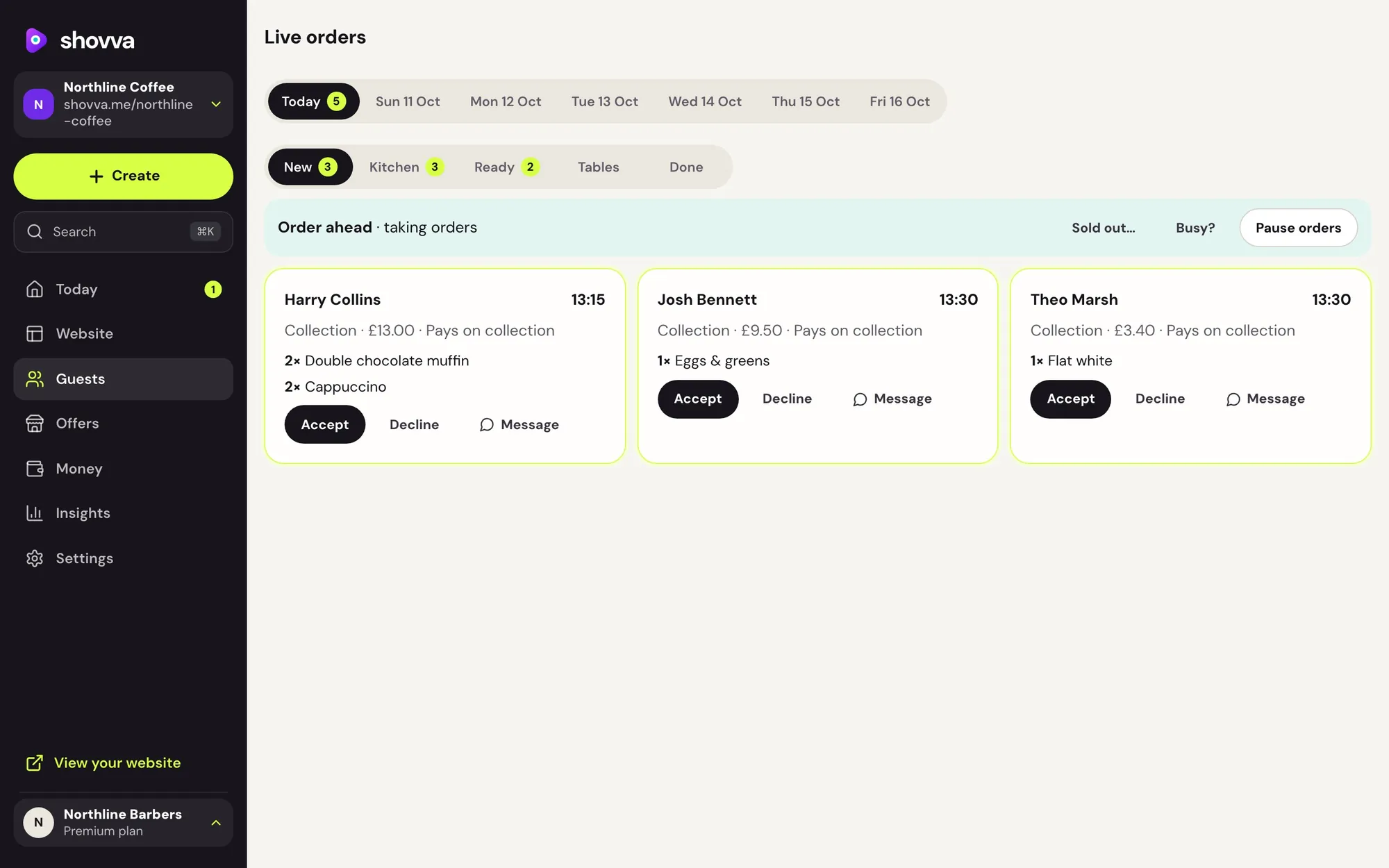
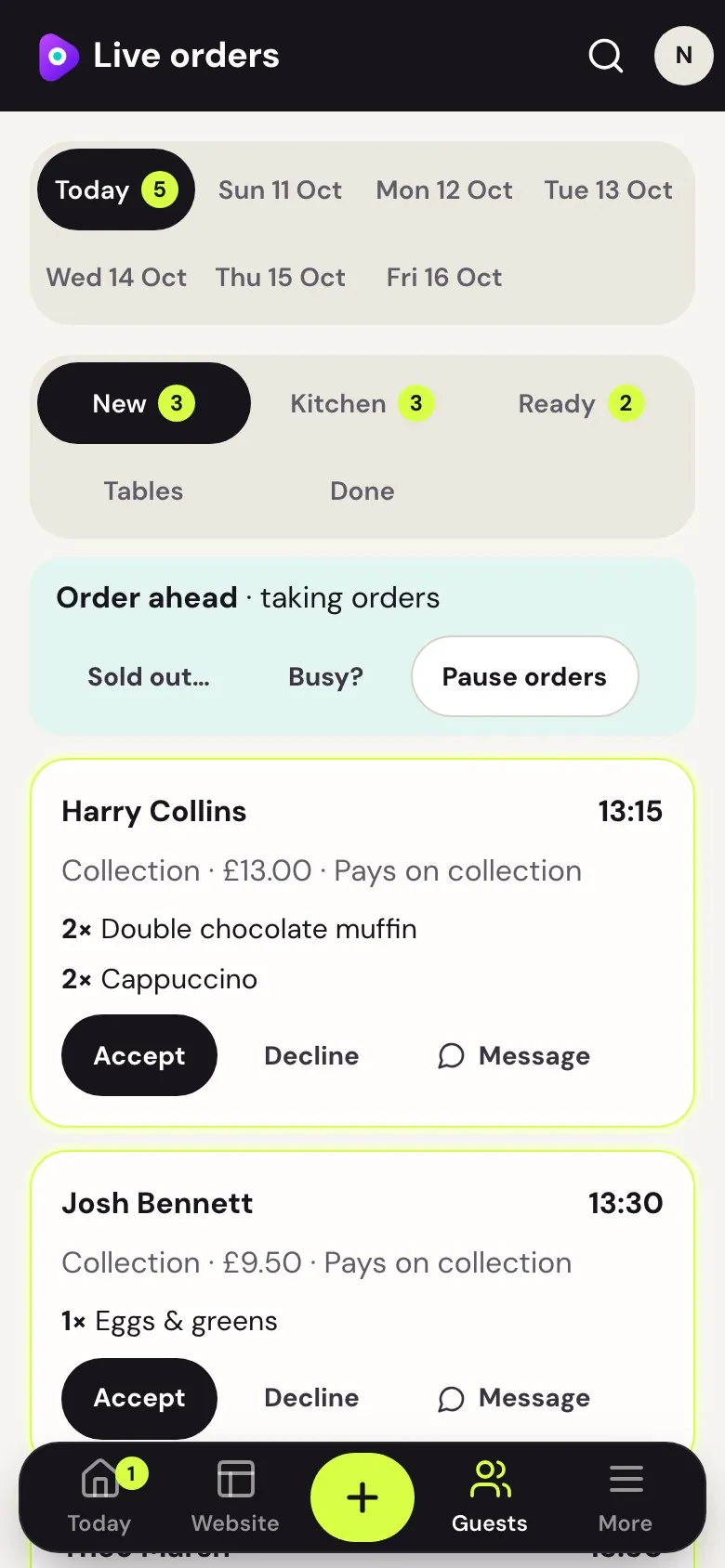
Follow every order from new to done.
New, in the kitchen, ready and done. Accept, decline or message each order, and pause ordering when it gets busy.
New, kitchen, ready and done
Accept, decline or message
Pause orders when you’re busy
Start with a look like Fern & Fold Coffee.
Free to start, no card needed. Change every word and photo to make it yours.
Examples
See it on an example menu.
Example websites made with Shovva. Try every step; nothing is booked or charged.
Mix and match
Add more ways to earn. Same website.
Most open in a pop-up on your website, and everything lands in the same app.
Questions
Good to know.
Still deciding? See how Shovva stacks up against the apps you use now.
Can I show allergens?
Yes. Add allergens to each dish so customers see them before they order.
Can I use it as my link in bio?
Yes. Your Shovva website is made for it: put its link in your Instagram, TikTok or other bios. People land on everything you offer and can book or buy without leaving it.
How do customers pay?
By card through your own Stripe account, paid out to your bank on Stripe’s schedule. Customers can also scan and pay you in person, on every plan. Premium can take payment at the venue for bookings; on Pro, that’s available until you connect card payments. On Free, customers pay online.
What does it cost?
Free has no monthly fee and a 10% fee per sale. Pro is £15 a month with a 2% fee; Premium is £29 a month with no Shovva fee. Stripe’s card fee applies on every plan. Refund a sale and your customer gets back what you refund: Shovva returns its fee to you (the matching share on a part refund), and Stripe keeps its card fee on the original payment.