
Free booking website
A free booking website. Pay only when you’re booked.
Shovva builds your business website with online booking from a few taps. Free has no monthly fee: Shovva takes 10% of each booking, plus Stripe’s card fee, so a quiet month costs nothing.
On the Free plan
Everything you need to take bookings.
All of this is on Free. Pro and Premium lower the fee and add your own domain.
Services and prices
Each service with its price, length and a button to choose a time.
Your hours, your rules
Times are offered only inside your opening hours, with gaps between and a limit on how far ahead.
Deposits
Take the full price, a percentage or a set amount when they book.
Cancel and move online
Set deadlines for cancelling and moving, and what happens if they cancel late.
Reminders sent for you
A reminder email at the time you choose, and a review request after the visit.
One diary, an alert for each
Every booking in one diary, with a push alert on your phone when someone books.
What it costs
Free to start. Cheaper as you grow.
Enter a month of bookings to see the Shovva fee and subscription on each plan.
Uses monthly prices and excludes Stripe’s card fees, which are the same on every plan. See pricing for yearly plans.
How it goes
From sign-up to your first booking.
1
Tell Shovva what you do
Pick your trade and what you offer. Shovva builds a finished website with your services already written for your trade.
2
Check prices and hours
Change any service, price or photo, set your opening hours and connect Stripe to take card payments.
3
Share your link
Put your website in your bios and messages. Customers pick a time and pay without leaving it.
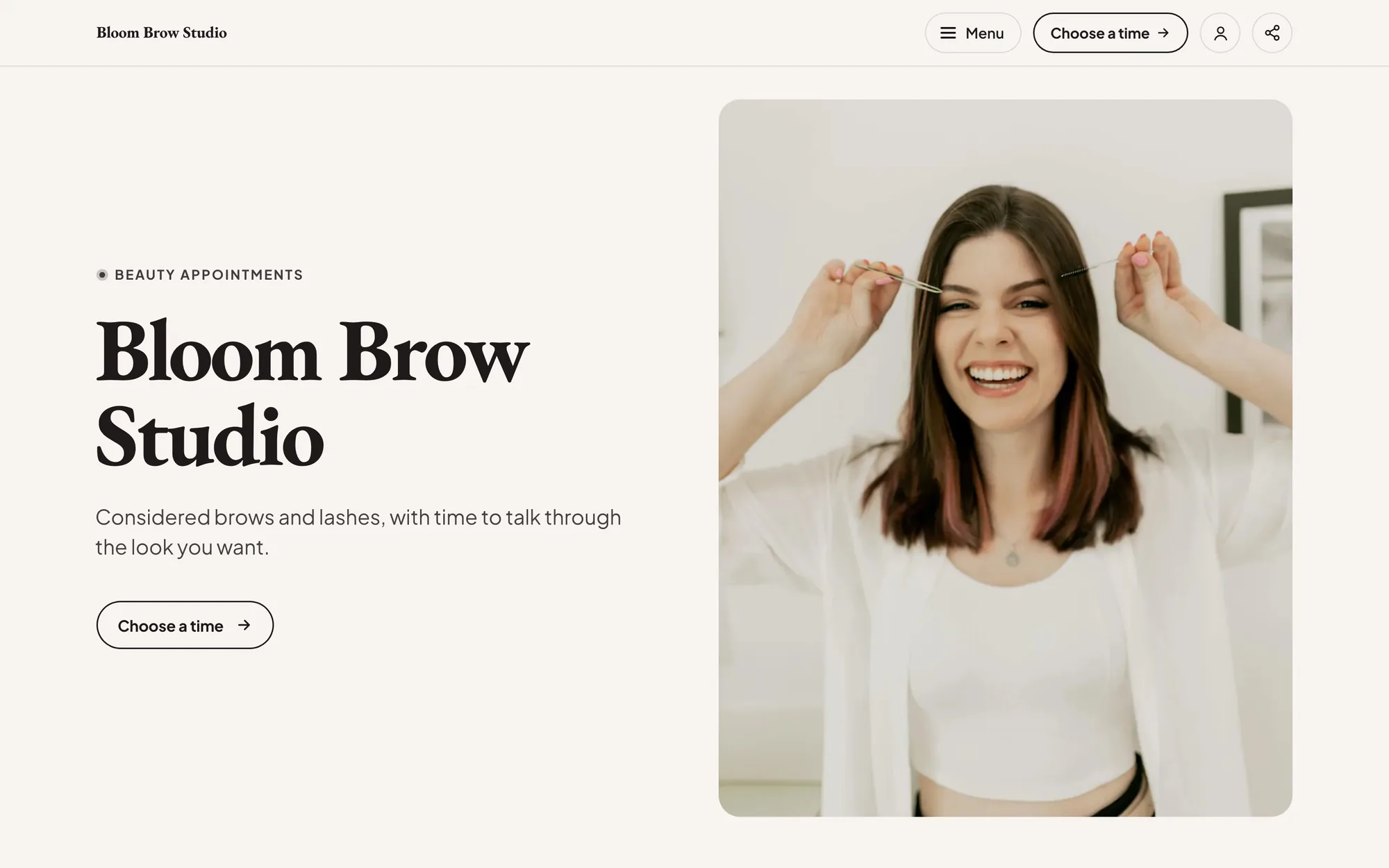
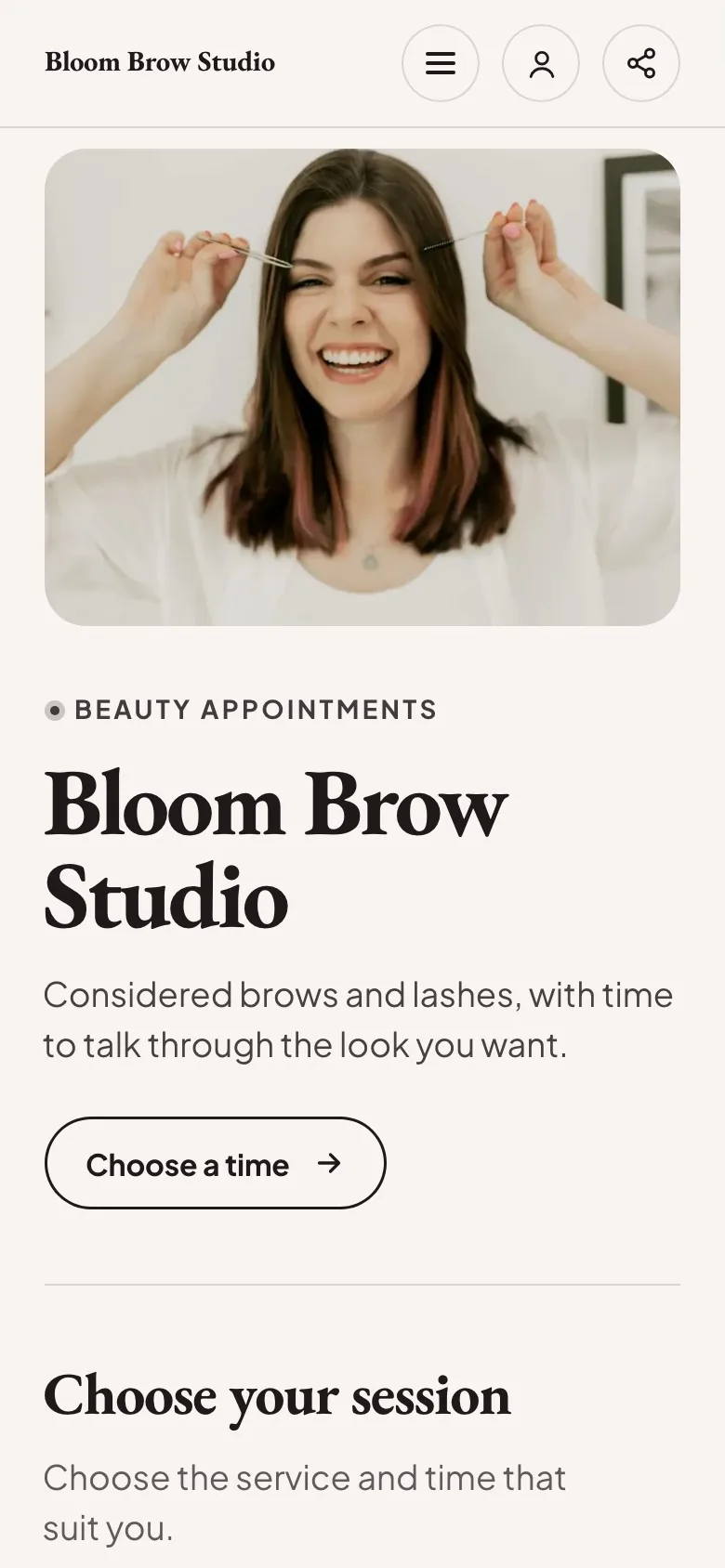
Start with a look like Bloom Brow Studio.
Free to start, no card needed. Change every word and photo to make it yours.
Questions
Questions people ask.
Still deciding? See how Shovva compares with other booking websites.
Is it really free?
Yes. The Free plan has no monthly fee. Shovva takes 10% of each booking that’s paid, and Stripe’s card fee applies. If nobody books, it costs nothing.
Do I need a Stripe account?
Yes. On Free, customers pay online by card, so you connect Stripe before your booking button goes live. Until then, visitors can leave their email to hear when you open. Payments go to your own Stripe account and are paid out to your bank.
Can customers pay when they arrive?
Not on Free: customers pay online when they book, in full or as a deposit. Paying at the venue is on Premium, and on Pro until you set up card payments.
When should I move to Pro or Premium?
When the lower fee pays for itself. Pro is £15 a month with a 2% fee and adds your own domain. Premium is £29 a month with no Shovva fee. The calculator on this page shows where each one starts to cost less.
Can I use it as my link in bio?
Yes. Put your website’s link in your Instagram and TikTok bios. People land on your services and can book and pay without leaving it.
How does it compare with other booking websites?
Our compare pages set Shovva beside Linktree, Wix, Squarespace and others, checked against each company’s own pages, including when the other one is the better pick.